 Excellent PLC


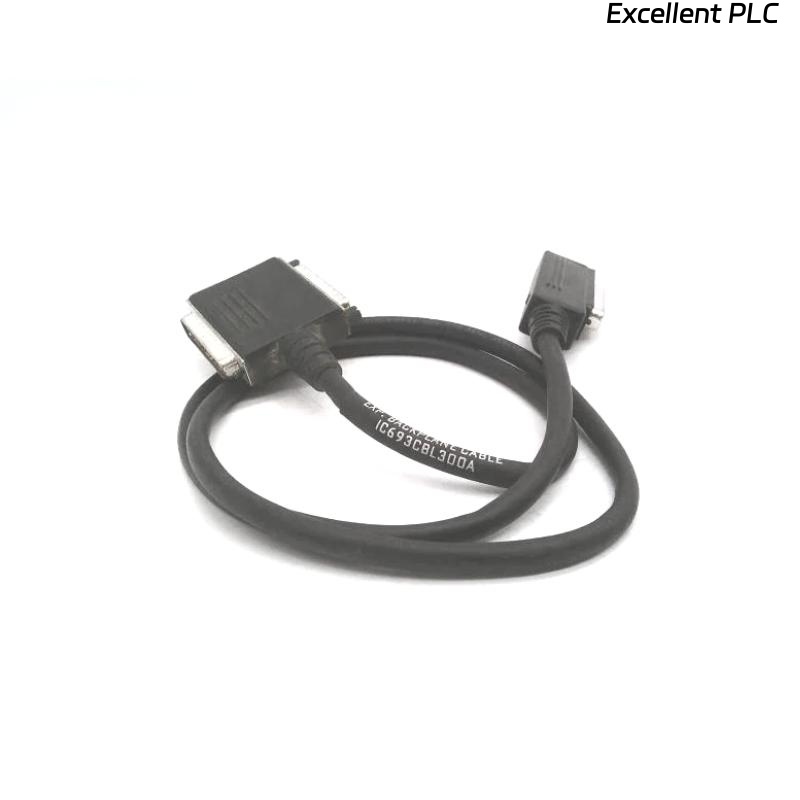
The GE Fanuc IC693CBK003 is a backplane cable kit used in IC693 PLC racks to interconnect modules. A broken or damaged cable can interrupt communication and cause system faults.
Why DIY Repair Can Be Risky
-
Signal Integrity Loss
-
The backplane cable carries high-speed digital signals between modules. Any improper splice, soldering, or crimp can introduce resistance, impedance mismatch, or noise, resulting in intermittent or failed communication.
-
-
Electrical Safety Hazards
-
Working on powered PLC racks or partially energized circuits can cause electrical shock. Even with the system powered down, incorrect reconnection could short signals or damage the power bus.
-
-
Module Damage Risk
-
Improper reconnection may lead to pin misalignment, which can permanently damage the backplane connectors or the IC693 modules themselves.
-
-
Warranty and Compliance Issues
-
Self-repair can void OEM warranty. For critical processes, this could also breach safety or operational compliance requirements.
-
Field Engineer Insights
-
Always replace the broken IC693CBK003 cable kit with a genuine OEM part rather than attempting a DIY splice.
-
If temporary operation is absolutely necessary, power down the system completely, ensure proper pin alignment, and minimize any cable twists or bends.
-
After replacement, verify system communication with LED status indicators and perform full functional testing.
Practical tip: Even a minor DIY error can cause PLC rack-wide faults, leading to downtime and costly troubleshooting.
References:
-
GE Fanuc. IC693 Backplane Cable Kit Installation and Replacement Guide, 2017
-
GE Fanuc. IC693 PLC Hardware Manual, 2018