 Excellent PLC


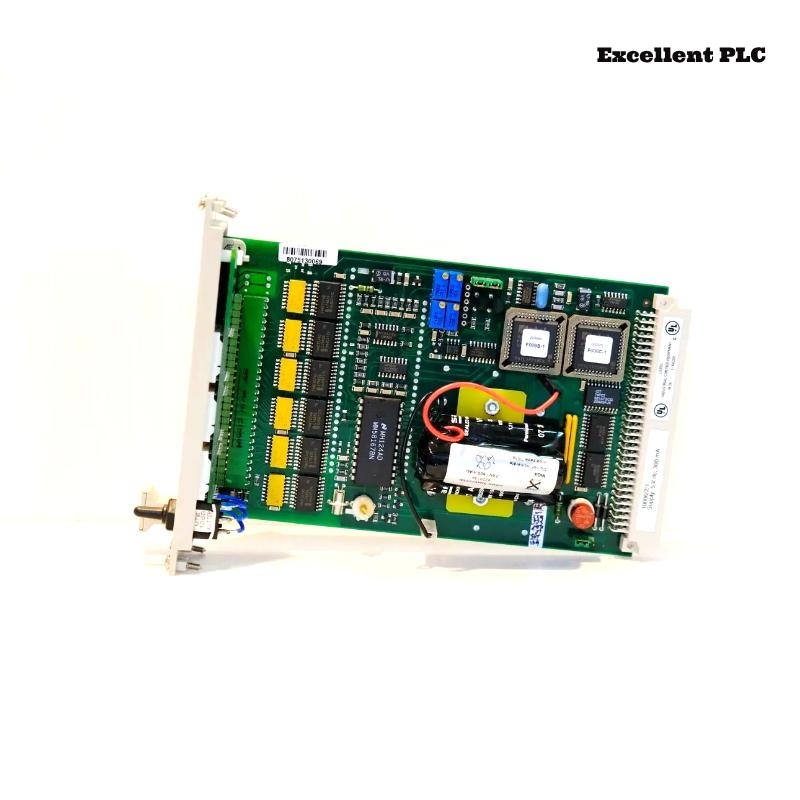
The Honeywell 10006/2/1 is a diagnostic and battery module used in Safety Manager PLC systems. It monitors module health, battery status, and provides diagnostic data for troubleshooting. Over the years, I’ve handled many of these in different plants, and here’s what actually matters on-site.
Installing the Module
-
Power down the PLC rack before inserting the module. This is critical; inserting live can lock up diagnostic functions.
-
Check that the module’s contacts are clean. Honeywell connectors are sensitive; even slight oxidation can prevent battery charging or health monitoring.
-
Slot placement matters: place the 10006/2/1 close to the controller to minimize communication lag.
Battery Handling and Maintenance
-
The module comes with a backup battery for memory retention. Inspect it for leakage or corrosion before installation.
-
Always use OEM-approved batteries. Substitutes can fail under load, causing memory loss in Safety Manager nodes.
-
After installation, monitor the battery status LEDs. Green indicates normal, amber suggests low charge, and red signals failure.
Field tip: Even a fully seated battery can fail if the module has been idle in a dusty environment. Cleaning contacts and testing with a multimeter avoids surprises.
Using the Diagnostic Features
-
Connect the module to the Safety Manager console. The diagnostic data stream shows:
-
Module temperature
-
Battery voltage
-
Fault codes for connected I/O modules
-
-
If the module reports a communication error, check cable routing, grounding, and proper insertion first—most errors are physical, not electronic.
Practical Example of Monitoring Battery Voltage in Code
Below is a simple pseudo-code snippet for monitoring battery status:
-
This logic ensures that low battery conditions are caught early, preventing node memory loss.
-
Integrate this check into your routine Safety Manager monitoring screen for proactive maintenance.
Field Insights
-
Do not hot-swap this module; battery modules are sensitive to insertion while powered.
-
Keep the module clean and free from dust, especially around the battery contacts.
-
Regularly check the diagnostic logs; the module will often flag small voltage drops before they affect system operation.
References:
-
Honeywell. 10006/2/1 Diagnostic and Battery Module User Manual, 2019
-
Honeywell. Safety Manager System Maintenance Guide, 2020