 Excellent PLC


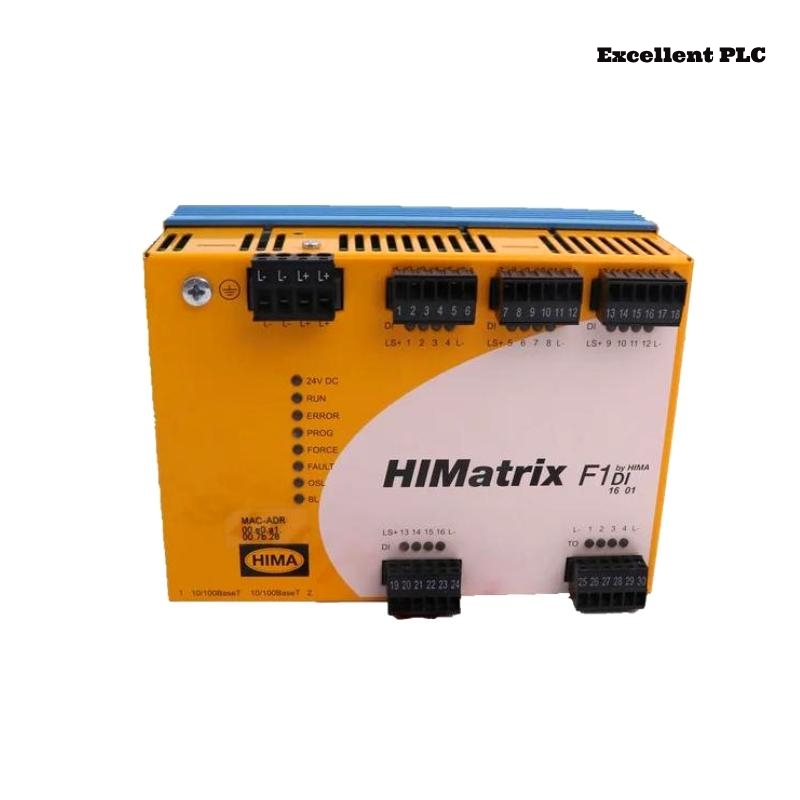
Background and Field Context
In distributed automation systems, remote I/O modules like the Black Horse F1 DI 16 01 are often installed in harsh industrial cabinets where power quality is not always ideal. Over time, issues related to unstable 24VDC supply, loose backplane connections, or internal protection circuits can prevent the module from powering up at all.
A “dead” digital input module is usually noticed during routine inspections, commissioning, or after an unexpected system trip. Understanding how to distinguish between external power problems and internal module failure is essential for efficient troubleshooting.
How the Fault Typically Presents Itself
When the F1 DI 16 01 module fails to power on, engineers may encounter:
-
No status LEDs illuminated on the module front panel
-
The remote I/O station reporting a “module missing” or “node degraded” condition
-
Digital input channels unavailable in the PLC or DCS
-
No response after system reboot or remote station reset
In some cases, the fault appears after maintenance work or cabinet rewiring, which can introduce wiring errors or loosened connections.
Practical On-Site Diagnostic Approach
Before replacing the module, it is important to verify whether the problem is caused by external power distribution or the module itself.
Power Supply Verification
Backplane and Rack Interface Check
If other modules in the same rack are powered correctly while the F1 DI 16 01 remains inactive, the probability of internal module failure is significantly higher.
Typical Root Causes Found in the Field
Based on maintenance records from industrial sites, the most frequent causes of “no power” conditions include:
-
Blown or degraded internal protection components due to overvoltage
-
Reverse polarity events during cabinet wiring modifications
-
Localized damage on the module power conditioning circuit
-
Oxidation on backplane contacts preventing stable power delivery
These failures are often triggered by short power interruptions, incorrect wiring during upgrades, or aging power supplies in remote cabinets.
Repair Options and Decision Criteria
In controlled environments, limited component-level repair may be possible; however, for production systems the following approach is generally recommended:
Post-Replacement Verification
Operational Lessons Learned
Several sites have reported repeated power-related failures on remote I/O modules due to undervoltage during cabinet startup. Installing dedicated power conditioning or isolating high-inrush loads from the I/O power rail significantly improved long-term reliability.
Another practical lesson is the importance of maintaining accurate maintenance logs. Tracking which slots or cabinets experience frequent power anomalies can reveal systemic issues in the plant’s low-voltage power distribution design.
Closing Remarks
A Black Horse F1 DI 16 01 module that does not power on is not always a “dead module” by default. Structured field diagnostics, careful verification of backplane power delivery, and an understanding of common power-related failure mechanisms can prevent unnecessary replacements and reduce downtime. For safety-critical or high-availability systems, establishing clear power quality standards for remote I/O cabinets is one of the most effective preventive measures.