 Excellent PLC


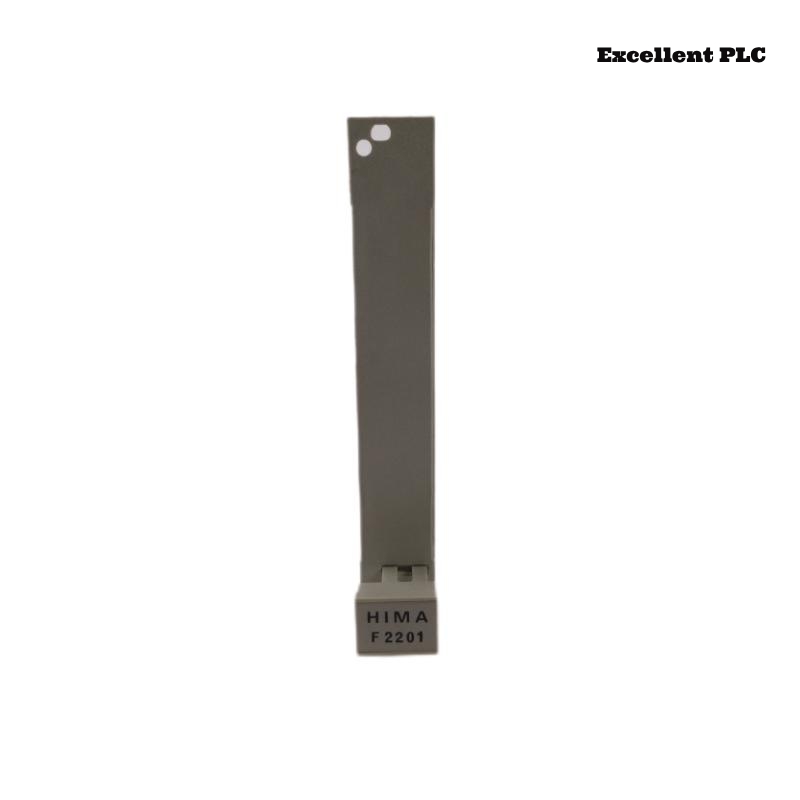
Fault Scenario
During plant startup, the F2201 safety controller entered SAFE mode unexpectedly:
-
RUN LED: OFF
-
SAFE LED: Solid ON
-
Safety outputs immediately de-energized
-
Engineering software showed CPU A/B mismatch
Symptoms indicated redundant CPU desynchronization rather than configuration corruption or hardware failure.
Step 1 – Examine Redundant CPU Status
F2201 controller has:
-
Dual safety CPUs (CPU A and CPU B)
-
Continuous cross-comparison for memory, input, and logic execution
-
Independent watchdogs
Diagnostic display:
| CPU | Status | Last Sync |
|---|---|---|
| A | RUN | OK |
| B | RUN | Error |
Inference: CPU B failed to synchronize with CPU A → module forced SAFE.
Step 2 – Check Communication Path
-
F2201 internal bus connects CPU A ↔ CPU B
-
Possible causes of mismatch:
-
Hardware failure on CPU B
-
Firmware mismatch between A and B
-
Internal transient (power spike)
-
Memory corruption in one CPU
-
Firmware versions: identical
-
No memory alarms recorded
Step 3 – Isolate CPU Execution
1. Enter diagnostic mode.
2. Observe cycle counters on CPU A and CPU B.
3. Compare execution times and internal flags.
Findings:
-
CPU B cycle lagged by ~15 ms during high input activity
-
Cross-comparison registers triggered mismatch → SAFE state
Step 4 – Corrective Action
-
Power down controller module
-
Check internal connectors between CPU boards
-
Reboot CPUs simultaneously
-
Re-run redundancy synchronization procedure
– Access engineering software.
– Select “Force CPU Synchronization”.
– Confirm status: CPU A/B in lockstep.
Result: CPUs synchronized, module allowed RUN transition, outputs re-energized.
Step 5 – Preventive Recommendations
-
Avoid power interruptions during high CPU load
-
Monitor CPU cycle execution times regularly
-
Maintain environmental conditions (temperature, vibration)
-
Document any firmware updates for both CPUs
Engineering Insight
-
Redundant CPUs ensure fail-safe operation: even minor desynchronization forces SAFE mode
-
High-load input bursts or slight timing differences can trigger CPU mismatch
-
Routine synchronization checks prevent unexpected downtime
Conclusion:
If a Black Horse F2201 controller enters SAFE mode with normal inputs and configuration, check redundant CPU synchronization first. Proper reboot, connector inspection, and forced synchronization restore safe operation in Planar F safety systems.