 Excellent PLC


Field notes by Mark Jensen – Commissioning Engineer
I didn’t think the communication module was the problem at first.
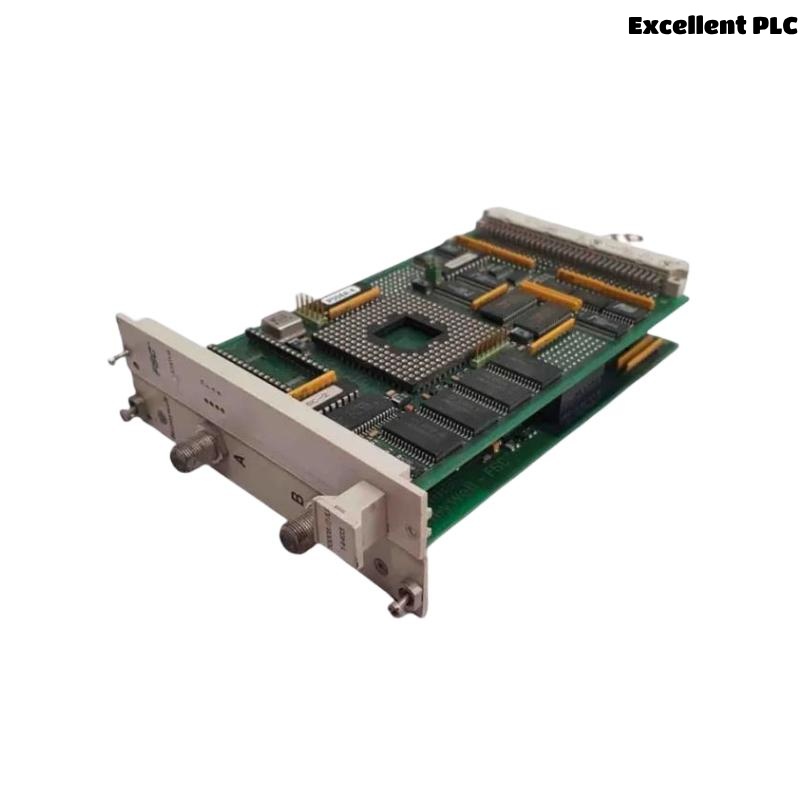
The Honeywell 10008/2/U had been running in this system for years. No replacements. No alarms. No burnt smell. Nothing obvious.
But the system felt… heavy.
Day 1 – Symptoms Without Errors
Operators complained about:
-
Slow tag refresh
-
Delayed command acknowledgment
-
Trend data lagging behind real time
Yet every diagnostic page showed green.
No CRC errors.
No link failures.
No watchdog trips.
That’s when you know it won’t be a quick fix.
Day 2 – Suspecting the Network
We checked the usual suspects:
-
RS485 termination
-
Cable routing
-
Shield grounding
-
External interference
Everything checked out.
Traffic captures showed something interesting though — bursty communication, not steady flow.
The 10008/2/U wasn’t losing packets.
It was processing too many at once.
Day 3 – The Database Nobody Looked At
Someone finally asked a simple question:
“When was the last time the configuration database was cleaned?”
Silence.
Years of changes had piled up:
-
Deleted points still referenced
-
Old diagnostic blocks still active
-
Historical tags still polled
-
Disabled logic not actually disabled
The communication module was servicing ghosts.
What the Module Was Really Doing
The 10008/2/U doesn’t know which data is “important.”
It only knows what the configuration tells it to exchange.
So every cycle, it processed:
-
Active points
-
Inactive points
-
Legacy mappings
-
Redundant diagnostic queries
CPU usage stayed under alarm thresholds — but cycle time stretched.
How We Proved It
We cloned the configuration and stripped it down:
Same hardware.
Same wiring.
Same firmware.
The system immediately felt lighter.
Day 5 – The Real Fix
We didn’t replace the module.
We didn’t upgrade firmware.
We cleaned the system.
-
Archived obsolete database objects
-
Reduced polling frequency for non-critical tags
-
Grouped communication requests logically
The 10008/2/U went back to behaving like a real-time device.
Lessons Learned the Hard Way
-
Communication modules suffer silently
-
Databases grow faster than anyone notices
-
“Disabled” doesn’t always mean “inactive”
-
Performance problems don’t always trigger alarms
Final Entry
The Honeywell 10008/2/U communication module wasn’t faulty.
It was drowning.
Not in bad hardware —
but in years of accumulated configuration decisions.
Sometimes the best repair tool isn’t a multimeter.
It’s a delete key.
— Mark Jensen