 Excellent PLC


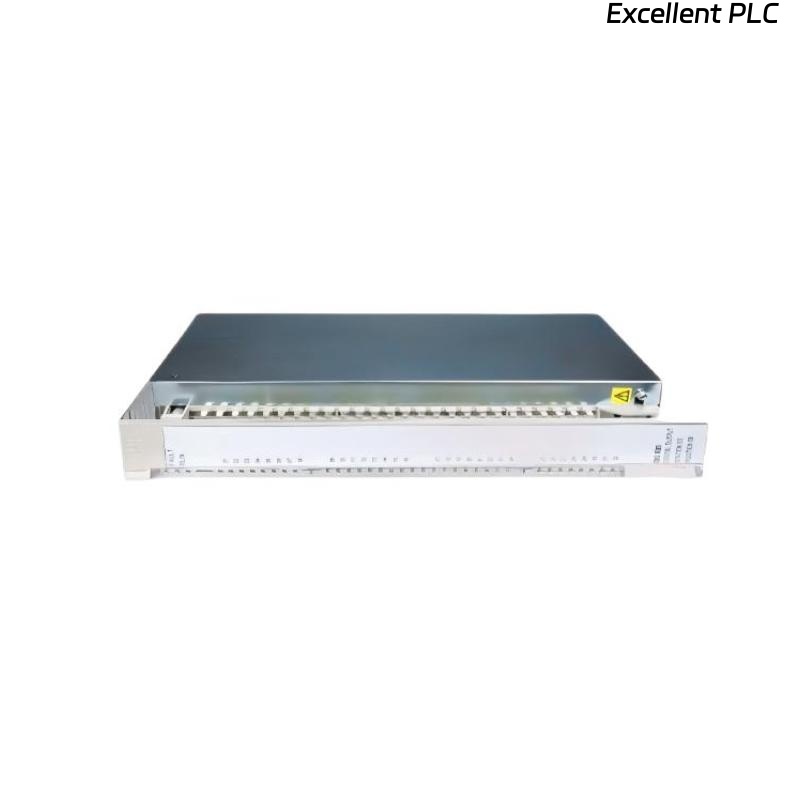
ABB 07 EA 65 R1 (GJV3074359R1)
Analog Input Module – No Response After Installation
The ABB 07 EA 65 R1 (GJV3074359R1) is a high-performance analog input module used in ABB automation systems. After installation, some engineers may encounter a situation where the module shows no response, no input values, or system alarms. This article provides a step-by-step troubleshooting guide, including engineering logic examples, to resolve these issues efficiently.
1. Verify Power Supply and Backplane Connection
Proper power and module seating are the most common reasons for no response after installation.
Steps:
-
Ensure the rack power supply is stable and meets ABB specifications
-
Confirm the module is firmly seated in the backplane slot
-
Inspect the connectors for bent pins or contamination
Diagnostic Logic Example
2. Check LED Status Indicators
LEDs provide immediate information about the module’s operational status:
-
No LEDs ON → Power or backplane issue
-
Fault LED ON → Internal module error or configuration problem
-
Run LED ON but no input → Signal or channel configuration issue
3. Verify Module Configuration
Incorrect configuration is a common reason why a newly installed module does not respond.
Key Checks:
-
Module type correctly defined as 07 EA 65 R1
-
Correct slot assignment in the system
-
Channels enabled
-
Input type (current or voltage) matches the connected sensors
-
Proper scaling and limits
4. Inspect Field Wiring and Signal Type
Wiring errors can prevent the module from reading inputs:
-
Verify proper wiring according to ABB documentation
-
Ensure correct polarity and secure terminals
-
Confirm input type (4–20 mA, 0–10 V) matches module settings
-
Check for shielding and proper grounding
5. Test Input with Known Signal Source
To isolate whether the issue is with the module or field device:
-
Disconnect the sensor
-
Inject a calibrated test signal (e.g., 12 mA for 4–20 mA input)
-
Monitor module response
If the module still does not respond, proceed to module isolation testing.
6. Module and Slot Isolation Testing
Isolate whether the fault is module-specific or slot-related:
-
Move the module to a known working slot
-
Replace the module with a tested spare
-
Observe whether the response is restored
7. Environmental and Operational Checks
Even new modules can fail to respond under adverse environmental conditions:
-
Ensure temperature and humidity are within ABB limits
-
Check for vibration or electrical noise
-
Inspect for visible physical damage
8. When to Replace the Module
If all diagnostic steps fail:
-
The module may be defective
-
Replacement or repair by an ABB-certified service provider is recommended
-
Maintaining a tested spare module for critical applications is strongly advised
Conclusion
A newly installed ABB 07 EA 65 R1 analog input module may show no response due to power issues, backplane connection, configuration errors, wiring problems, or module hardware faults. By following a step-by-step troubleshooting process and using isolation and signal injection tests, engineers can quickly identify the root cause and restore proper module operation.