 Excellent PLC


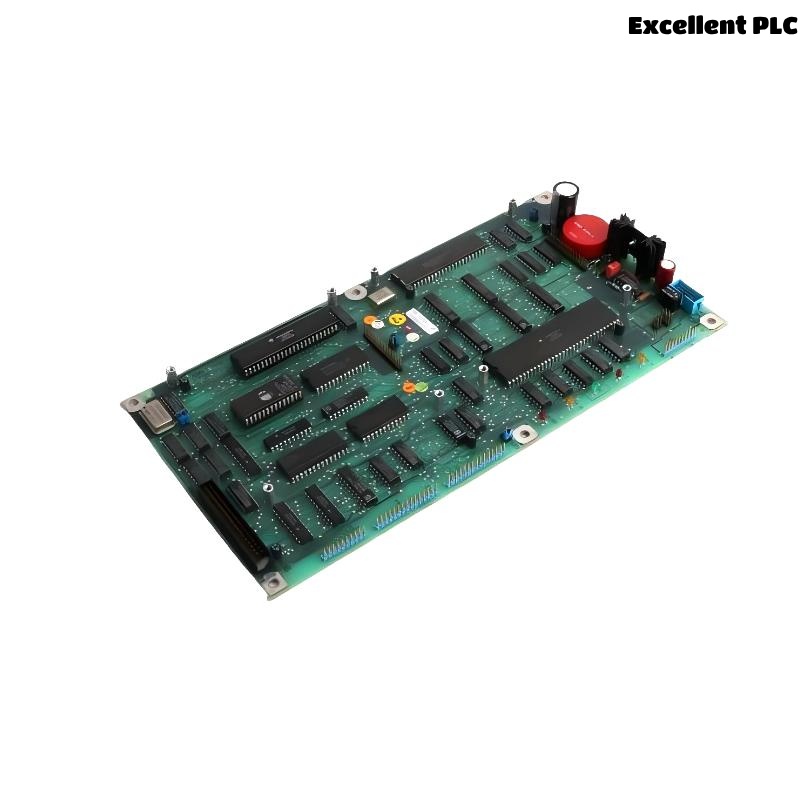
Table of Sections
- Introduction to the 07AC91 Module
- Position in ABB Control Architecture
- Pre-Installation Checklist
- Physical Mounting Process
- Signal and Terminal Connections
- Startup and Validation
- Field Engineering Recommendations
Introduction to the 07AC91 Module
The ABB 07AC91 module (GJR5252300R0101) is used within ABB industrial automation systems to manage and transmit control signals between field equipment and the central controller.
This module is designed for reliable operation in industrial environments and is typically installed inside automation control cabinets as part of a modular control rack.
Correct installation is essential to guarantee accurate signal acquisition and stable system communication.
Position in ABB Control Architecture
ABB automation platforms are based on modular hardware design. Each module is responsible for a specific function within the system.
The 07AC91 module supports several automation tasks:
- Field signal interface
- Industrial process monitoring
- Data communication within the control rack
- Signal processing for control applications
This architecture allows engineers to maintain and expand the system efficiently.
Pre-Installation Checklist
Before installing the module, verify that the installation environment meets recommended industrial conditions.
- Ambient temperature between 0°C and 50°C
- Humidity level below 85%
- Proper cabinet ventilation
- Reliable cabinet grounding
Recommended installation tools include:
- Anti-static wrist strap
- Torque screwdriver
- Digital multimeter
- Industrial wire stripper
Physical Mounting Process
Rack Preparation
- Switch off the cabinet power supply.
- Identify the designated rack slot for the module.
- Inspect the rack connector for dust or damage.
Module Installation
- Align the module with the rack guide rails.
- Slide the module into the slot slowly.
- Ensure the backplane connector is fully engaged.
- Secure the module using the rack locking mechanism.
A firm connection ensures reliable electrical communication with the system backplane.
Signal and Terminal Connections
Field wiring must follow the official system wiring diagram.
- Verify signal polarity before connecting cables.
- Separate signal wiring from high-voltage power lines.
- Avoid excessive cable tension.
- Secure terminals according to the recommended torque.
Improper wiring may result in signal instability or system alarms.
Startup and Validation
After installation, power on the system and verify that the controller recognizes the module.
INITIALIZE_SYSTEM
SCAN_HARDWARE
DISPLAY_MODULES
VERIFY_MODULE 07AC91
If the module appears in the hardware list without faults, the installation is successful.
Engineers should then perform functional signal testing to confirm correct operation.
Field Engineering Recommendations
- Label all signal cables clearly.
- Record rack slot assignments for documentation.
- Maintain proper airflow in the control cabinet.
- Schedule routine inspection of terminals and connectors.
Following these engineering practices helps maintain stable operation of ABB modules such as the 07AC91.