 Excellent PLC


Contents
- Observed Faults in the Field
- Possible Causes
- Inspection and Verification Steps
- Diagnostic Procedures
- Repair and Recovery Actions
- Preventive Tips for Operators
Observed Faults in the Field
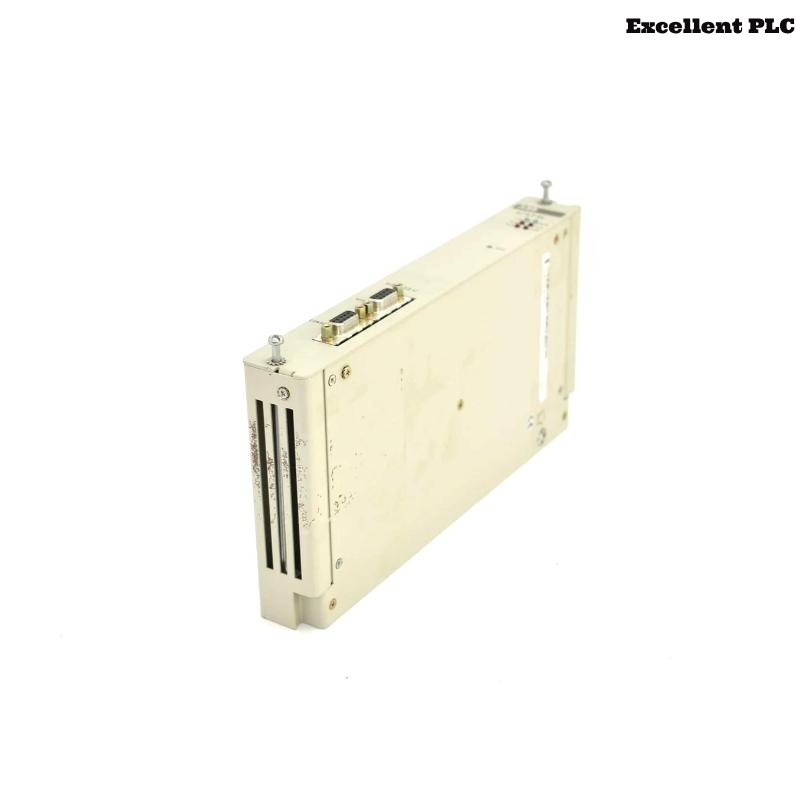
The ABB 07KP64 keypad module (GJR5240600R0101) is used for local operation and manual input. When faults occur, operators may notice:
- Key presses are unresponsive or intermittently recognized.
- LED indicators fail to illuminate or flicker unexpectedly.
- Display screen does not show module status or PLC feedback.
- PLC reports communication errors with the keypad module.
- Random or ghost inputs appear on the PLC input logs.
Possible Causes
Keypad module faults can result from multiple factors:
- Loose or oxidized backplane connector causing intermittent communication.
- Damaged keypad membrane or worn keys.
- Power supply voltage instability.
- Electrical interference from nearby high-power devices.
- Incorrect fieldbus or backplane configuration in the PLC.
- Internal component failure within the module.
Inspection and Verification Steps
To isolate the fault, perform the following inspections:
- Visually check the module for physical damage or dust contamination.
- Verify that the module is firmly seated in the rack slot.
- Inspect power supply voltage to ensure stability.
- Check terminal connections and backplane engagement.
- Confirm proper communication configuration in the PLC project.
Diagnostic Procedures
ABB PLCs provide diagnostic commands to identify keypad module faults:
SYSTEM_STATUS
SCAN_RACK_MODULES
DISPLAY_MODULE_ERRORS
TEST_KEY_INPUTS 07KP64
CHECK_LED_INDICATORS
Perform these steps to determine whether the fault lies in the wiring, configuration, or the module itself.
Repair and Recovery Actions
- Tighten or clean the backplane connector to restore communication.
- Replace damaged keypad membrane or defective keys.
- Stabilize the power supply and verify voltage levels.
- Relocate or shield cables to reduce electrical interference.
- Reload or correct PLC configuration settings for the module.
- Replace the module if internal electronics are defective.
After repairs, test all keys, LEDs, and display functions to ensure full recovery.
Preventive Tips for Operators
- Label modules and cables for easy identification during maintenance.
- Inspect terminal connections and key functionality periodically.
- Keep the control cabinet free of dust and moisture.
- Monitor PLC diagnostic logs for unusual key activity.
- Document all maintenance and repair activities.
Implementing these preventive measures helps maintain reliable operation of the ABB 07KP64 keypad module in industrial automation systems.