 Excellent PLC


Quick Navigation
- Issue Overview
- Symptoms Detected in the Field
- Root Cause Review
- Inspection Sequence
- Repair Actions
- Prevention Measures
Issue Overview
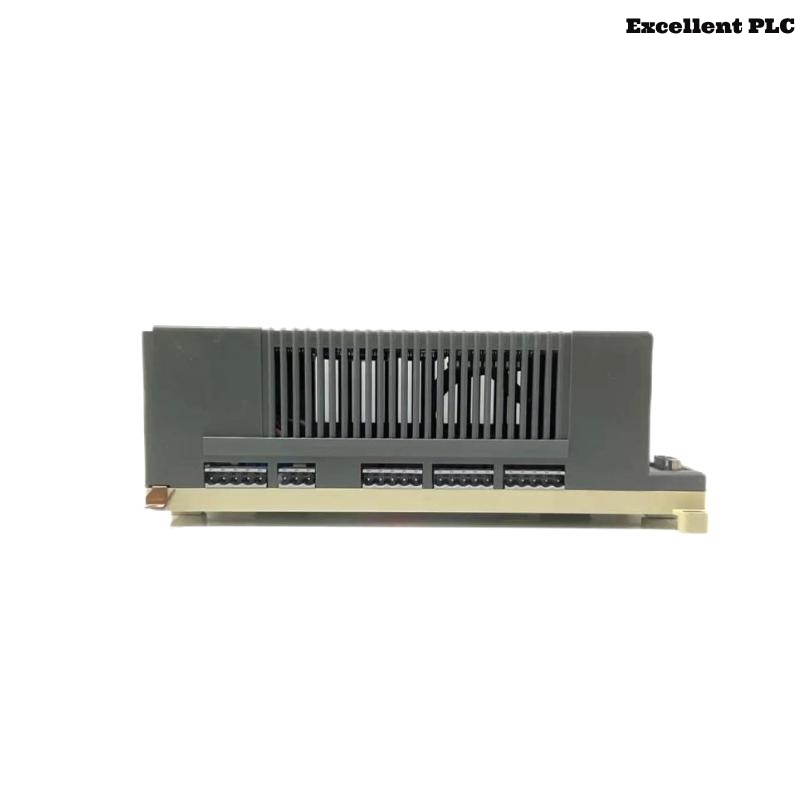
The ABB 07KR91B PLC controller operates as the central control unit within Procontic automation systems. One failure scenario observed in several installations involves intermittent power instability affecting the controller’s operation.
This issue may cause unexpected PLC resets, program interruptions, or temporary communication loss with field modules.
Symptoms Detected in the Field
Maintenance engineers investigating this issue typically observe the following behavior:
- The PLC restarts unexpectedly during operation.
- Status LEDs briefly turn off and then return to normal.
- Connected I/O modules temporarily lose communication.
- The PLC program restarts from the beginning after a power fluctuation.
- Programming software reports connection interruptions.
These symptoms indicate instability in the controller power supply or internal voltage regulation.
Root Cause Review
Technical analysis suggests that several conditions can trigger this type of fault.
- Unstable DC power supply from the control cabinet
- Loose terminal connections on the PLC power input
- Electrical noise generated by nearby high-power equipment
- Degraded power filtering components inside the controller
- Poor grounding within the control cabinet
Identifying the exact source of the instability is essential before replacing hardware.
Inspection Sequence
The following diagnostic sequence is recommended when troubleshooting this problem.
Power Supply Verification
- Measure the DC supply voltage feeding the PLC.
- Observe voltage stability during system operation.
- Inspect the power supply unit for overload conditions.
Controller Diagnostic Commands
CHECK_POWER_INPUT
READ_SYSTEM_EVENT_LOG
MONITOR_CPU_STATUS
SCAN_IO_CONNECTION
RESET_CONTROLLER
These diagnostic commands help determine whether the instability originates from the power source or the controller itself.
Repair Actions
Once the problem has been identified, apply the appropriate corrective actions.
- Tighten all PLC power input terminals.
- Replace unstable or aging power supply units.
- Install noise suppression filters if interference is present.
- Improve grounding for the control cabinet.
- If internal power regulation components fail, replace the controller module.
After repairs, operate the PLC under normal load conditions to verify stable performance.
Prevention Measures
Preventive maintenance can significantly reduce power-related controller faults.
- Perform periodic inspection of power supply connections.
- Monitor voltage levels in the PLC cabinet.
- Separate control wiring from high-power equipment.
- Ensure that cabinet grounding meets industrial standards.
- Schedule regular system health checks.
Following these practices improves the reliability of the ABB 07KR91B PLC controller and ensures stable operation in industrial automation systems.