 Excellent PLC


Guide Index
- Technical Overview
- System Integration Context
- Preparation Checklist
- Installation Execution
- Connection Principles
- Commissioning Flow
- Stability Test
Technical Overview
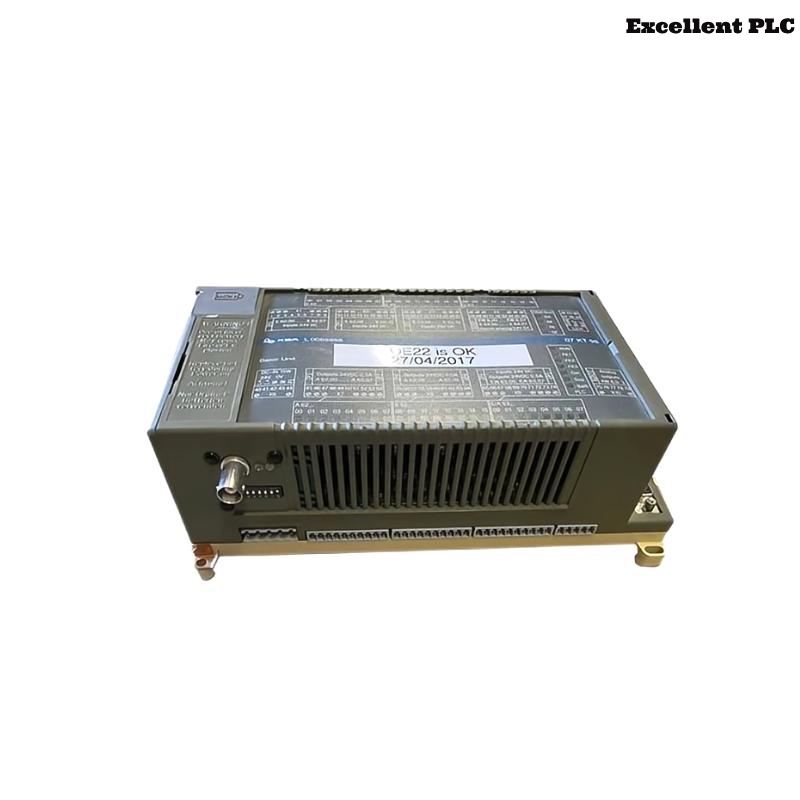
The ABB 07KT98L GJR5253100R0120 PLC Controller is a central processing module used in Procontic automation systems. It executes logic operations, manages communication with distributed I/O modules, and ensures synchronized system performance in industrial control environments.
This Installation Guide outlines practical Setup and Commissioning strategies with emphasis on real deployment conditions.
System Integration Context
This PLC Controller is typically integrated into:
- Multi-rack automation systems
- Distributed I/O networks
- Industrial control cabinets with mixed signal environments
Correct System Configuration alignment is essential prior to hardware installation.
Preparation Checklist
Before installation, perform these checks:
- Confirm stable DC power supply without excessive ripple
- Verify cabinet grounding and bonding continuity
- Inspect rack connectors for damage or contamination
- Ensure environmental conditions meet operational specifications
- Prepare verified configuration files for deployment
These steps reduce the likelihood of future Troubleshooting issues.
Installation Execution
Proper installation ensures reliable electrical and mechanical contact:
- Align the PLC Controller with rack guide rails
- Insert partially and verify connector alignment
- Apply steady pressure to fully seat the module
- Secure locking mechanism to prevent vibration effects
Improper seating can result in intermittent communication errors.
Connection Principles
Signal integrity depends on correct wiring practices:
- Separate control and power wiring paths
- Use shielded cables for communication interfaces
- Ground shielding at a single reference point
- Verify terminal connections and polarity
These practices simplify Fault Diagnosis and improve system stability.
Commissioning Flow
Commissioning should follow a progressive activation logic:
- Power up the PLC Controller independently
- Verify CPU status indicators
- Load System Configuration from engineering station
- Enable communication interfaces gradually
- Integrate I/O modules step by step
POWER_ON_CONTROLLER
VERIFY_STATUS
LOAD_CONFIGURATION
ENABLE_COMM
ADD_IO_MODULES
CHECK_DIAGNOSTICS
This method supports controlled Setup and easier Troubleshooting if issues arise.
Stability Test
Final validation ensures readiness for operation:
- Perform cold restart and warm restart tests
- Simulate process signals under load conditions
- Monitor communication across all modules
- Review diagnostic logs for anomalies
Successful testing confirms the PLC Controller is ready for continuous industrial service.