 Excellent PLC


Guide Overview
- Device Overview
- Role in the Automation System
- Installation Environment Requirements
- Operator Panel Mounting Procedure
- Power Supply and Communication Connection
- Startup and Configuration
- Deployment Notes for Engineers
Device Overview
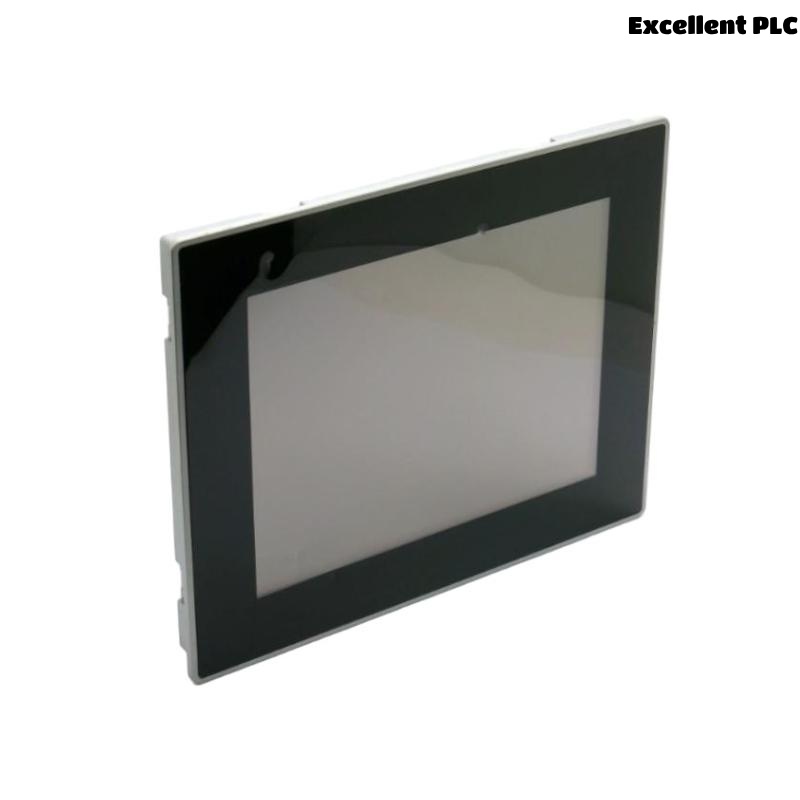
The ABB CP6410 operator panel (1SAP541010R0001) is a human-machine interface (HMI) designed for industrial automation environments. It allows operators to monitor process conditions, control equipment, and visualize system status through a graphical interface.
The panel integrates with ABB PLC controllers and automation networks, enabling real-time interaction between operators and control systems.
Role in the Automation System
In a typical ABB automation architecture, the CP6410 HMI acts as the interface between plant operators and the PLC control layer. The panel displays process variables, alarm information, and machine states.
Typical functions include:
- Displaying process status and operating parameters
- Allowing operators to start or stop equipment
- Providing alarm and event monitoring
- Supporting configuration and diagnostics of PLC-controlled processes
The HMI communicates with PLC devices through industrial communication interfaces such as Ethernet or serial connections.
Installation Environment Requirements
Before installing the CP6410 operator panel, verify that the installation environment meets the recommended industrial conditions.
- Operating temperature between 0°C and 50°C
- Relative humidity below 85%
- Stable power supply for the control cabinet
- Protection from direct vibration or moisture
Recommended installation tools include:
- Panel mounting screwdriver
- Digital multimeter
- Industrial Ethernet cable
- Anti-static wrist strap
Operator Panel Mounting Procedure
Panel Cutout Preparation
- Prepare the panel cutout according to ABB mechanical specifications.
- Ensure that the mounting surface is clean and flat.
- Remove any sharp edges around the cutout opening.
Mounting the CP6410
- Insert the CP6410 panel from the front side of the cabinet door.
- Align the panel frame with the mounting opening.
- Secure the panel using the provided mounting clamps.
- Tighten the clamps evenly to ensure a stable installation.
This mounting method ensures proper sealing and mechanical stability.
Power Supply and Communication Connection
The operator panel requires both a stable power supply and a communication link to the PLC.
- Connect the recommended DC power supply to the panel power terminals.
- Use industrial Ethernet cables for network communication.
- Verify proper grounding of the control cabinet.
- Avoid routing communication cables near high-voltage lines.
Proper cable routing reduces the risk of communication interference.
Startup and Configuration
After completing hardware installation, power on the system and configure the HMI communication settings.
CONNECT_TO_PANEL
UPLOAD_PROJECT_CONFIGURATION
SET_COMMUNICATION_DRIVER
LINK_TO_PLC_CONTROLLER
VERIFY_RUNTIME_STATUS
Once the project configuration is loaded, the operator panel should display the process interface and communicate with the PLC controller.
Deployment Notes for Engineers
- Always label Ethernet and power cables during installation.
- Maintain sufficient ventilation behind the operator panel.
- Keep firmware and HMI project files backed up.
- Verify communication with the PLC before starting production.
Following these guidelines ensures stable operation of the ABB CP6410 HMI panel in industrial automation systems.