 Excellent PLC


Quick Index
- Typical Fault Indicators
- Common Communication Issues
- Hardware Inspection Procedure
- Network and PLC Communication Diagnostics
- Display and Touchscreen Problems
- Corrective Actions
- Preventive Maintenance
Typical Fault Indicators
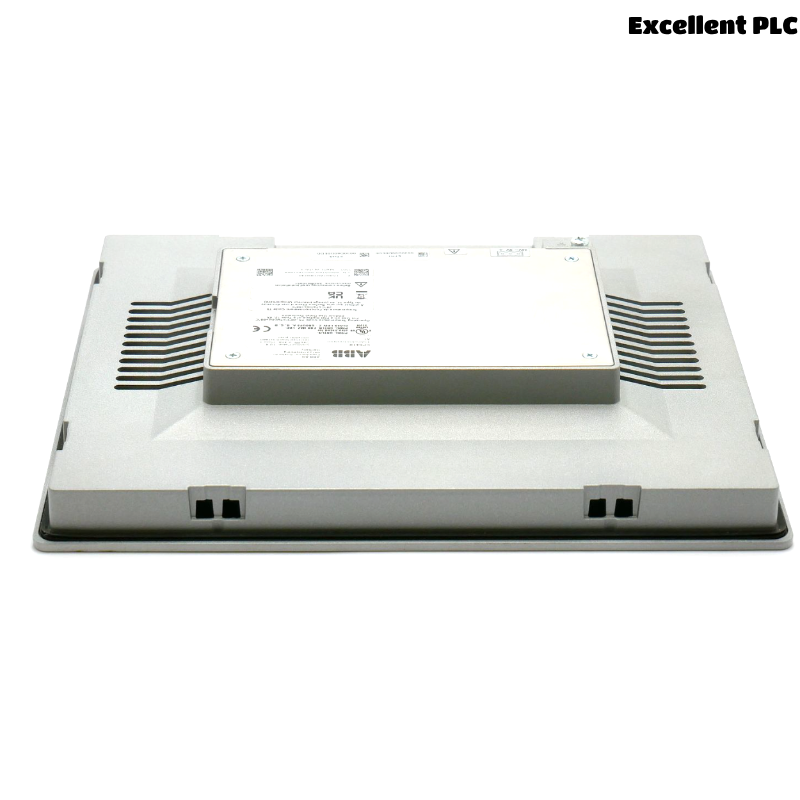
The ABB CP6410 operator panel (1SAP541010R0001) serves as a human-machine interface between plant operators and PLC automation systems. When the panel encounters operational problems, the HMI may fail to display process data or lose communication with the controller.
Field technicians may notice the following issues:
- The HMI screen powers on but does not display process data.
- The panel shows a “PLC Communication Error” message.
- The touchscreen becomes unresponsive.
- The display freezes or repeatedly restarts.
- The HMI project fails to load during system startup.
These problems may originate from communication configuration errors, network faults, or hardware failures.
Common Communication Issues
Communication between the CP6410 HMI and the PLC controller is essential for process monitoring. Several technical factors may interrupt this connection.
- Incorrect PLC IP address configuration in the HMI project.
- Damaged Ethernet cable or loose network connector.
- Network switch malfunction.
- PLC communication driver misconfiguration.
- IP address conflicts within the industrial network.
Most communication problems can be resolved through configuration verification and network testing.
Hardware Inspection Procedure
When diagnosing HMI issues, engineers should first inspect the physical installation.
- Confirm the HMI panel receives stable DC power.
- Inspect Ethernet connectors and network cables.
- Verify that the panel mounting clamps are secure.
- Check for excessive cabinet heat affecting the device.
Environmental factors such as high temperature or vibration can cause intermittent panel failures.
Network and PLC Communication Diagnostics
Technicians can verify communication using basic network tests.
PING PLC_IP_ADDRESS
CHECK_ETHERNET_STATUS
VERIFY_HMI_IP_CONFIGURATION
TEST_PLC_CONNECTION
RESTART_COMMUNICATION_DRIVER
If the PLC responds to network tests but the HMI still fails to communicate, the project configuration may need to be reloaded.
Display and Touchscreen Problems
Besides communication faults, the CP6410 panel may also experience display-related problems.
- Backlight failure causing a dark screen.
- Touchscreen calibration drift.
- Frozen HMI runtime interface.
- Display artifacts caused by electrical interference.
In some cases, restarting the panel or updating firmware may resolve these problems.
Corrective Actions
- Reconnect or replace damaged Ethernet cables.
- Verify the PLC IP address and communication driver settings.
- Reload the HMI project configuration.
- Restart the HMI panel and PLC controller.
- Replace the panel if internal hardware components fail.
Always confirm that the replacement device matches the part number 1SAP541010R0001.
Preventive Maintenance
Regular maintenance can reduce HMI failures in industrial control systems.
- Inspect communication cables and connectors regularly.
- Maintain stable cabinet temperature and ventilation.
- Keep firmware and HMI project files backed up.
- Monitor system diagnostics and alarm history.
- Document network configuration and PLC communication settings.
Following these maintenance practices helps ensure reliable operation of the ABB CP6410 HMI panel within industrial automation environments.