 Excellent PLC


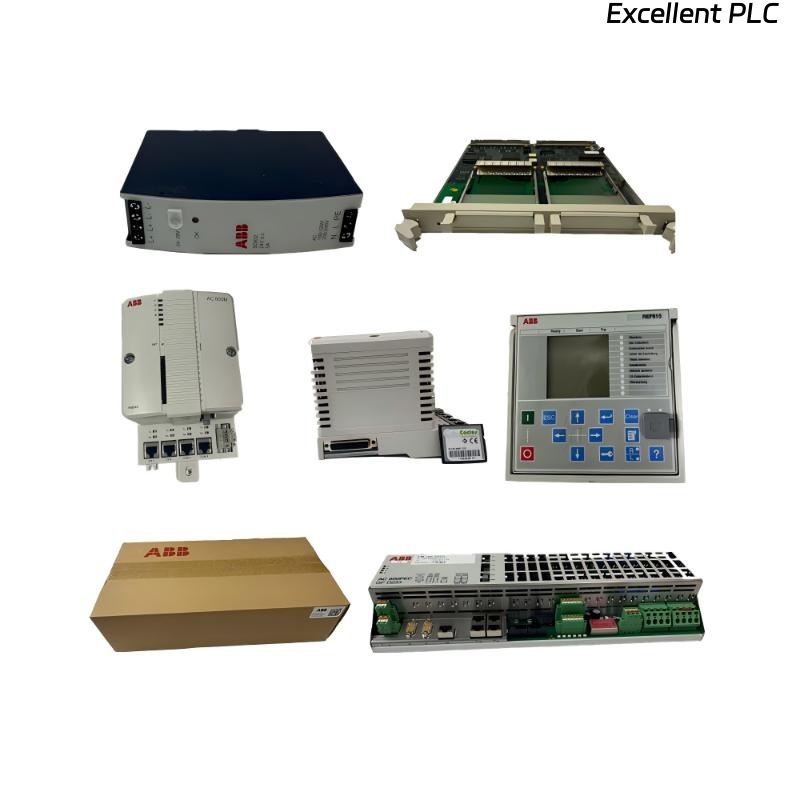
I came across a tricky issue last month while servicing an ABB S800 I/O system. The SAFT136CTS power supply module was freshly installed to replace an older unit, but after wiring it up, it simply refused to deliver power. No voltage on the output terminals, no response from the connected modules — yet all the wiring checked out.
Here’s how I diagnosed and fixed the problem step by step.
Step 1: Basic Visual and Safety Check
Whenever a power module shows no output, I always begin with the basics — disconnect the system and perform a quick visual inspection.
The SAFT136CTS is a compact yet powerful 24V DC supply designed for ABB I/O systems, and it’s easy to overlook minor details. I checked:
-
No burn marks or swelling on the casing.
-
Connector orientation correct (24V input and output polarity).
-
Tightness of terminal screws (ABB modules are sensitive to loose terminals).
Everything looked fine at first glance. No visible fault.
Step 2: Measuring Input Voltage
Next, I verified whether the module was actually receiving power. Using a multimeter, I measured the input voltage at the supply terminal:
So the module was definitely getting its input power correctly. But when I measured the output:
That confirmed the module itself was not passing any voltage to the load.
Step 3: Checking Status Indicators
The SAFT136CTS has diagnostic LEDs that show its operational status. In this case, no LED was illuminated, neither “PWR ON” nor “FAULT.”
That meant the internal protection circuit might have engaged — either due to a short circuit, internal fuse trip, or faulty startup sequence.
Step 4: Disconnecting the Load
Before assuming the module was bad, I disconnected all downstream I/O modules and measured again.
Still, there was no output voltage, which ruled out an external short circuit on the load side.
At this point, it was clear the failure was internal to the power module.
Step 5: Bench Testing and Internal Examination
Back at the bench, I removed the module cover for inspection (using ESD precautions).
Inside, I noticed a faint brown spot near one of the input rectifier diodes and a slightly bulged electrolytic capacitor (470 µF, 50V).
A quick continuity check on the internal fuse showed it was open — the fuse had blown, likely due to a surge event or capacitor failure.
I replaced the damaged capacitor and the miniature fuse (same rating: 3A slow-blow type), cleaned the PCB with isopropyl alcohol, and checked all solder joints around the regulator section.
Step 6: Re-Testing the Module
After reassembly, I powered the module through an isolated DC power supply with current limiting set to 1.5A.
At startup, the PWR LED turned green, and the output measured 24.03 VDC, steady.
After letting it run under 80% load for 30 minutes, the temperature stayed under 40°C and no fault appeared.
That confirmed the repair was successful.
Step 7: Root Cause Analysis
After analyzing the failure, the likely causes were:
-
Power surge or inrush current during system startup, stressing the input capacitor.
-
Long-term heat buildup inside the panel causing capacitor degradation.
-
Lack of surge suppression on the DC line (common in older installations).
The open fuse was a secondary symptom — the real root cause was internal capacitor failure due to heat and voltage stress.
Step 8: Preventive Measures
To prevent similar issues, I implemented the following:
-
Installed a DC surge suppressor upstream of the SAFT136CTS.
-
Added a small panel fan to improve air circulation near the power section.
-
Scheduled annual preventive inspection of all power modules (visual + temperature check).
-
Logged the module serial number and repair date for future reference.
These steps greatly reduce the chance of silent capacitor failures.
Step 9: Final Verification in System
Once reinstalled in the ABB cabinet:
-
Output voltage stable at 24.01 VDC.
-
Controller booted without fault.
-
All connected I/O modules powered normally.
-
No unusual heat or smell detected after 2 hours of operation.
The SAFT136CTS was back in service and fully stable.
Final Thoughts
The ABB SAFT136CTS power supply module is a reliable component, but like all industrial DC supplies, it can fail quietly due to age, heat, or power transients.
If you encounter a situation where the module shows no output and no LEDs, don’t rush to replace it — take a systematic approach:
-
Confirm input voltage and polarity.
-
Check for visible fuse or capacitor damage.
-
Test under isolated load conditions.
-
Inspect internally only if qualified and authorized.
In my case, a simple capacitor and fuse replacement restored full operation — and it reminded me once again that in ABB systems, most failures are preventable if you pay attention to early signs like heat and aging components.
As I like to tell new engineers:
“If it’s completely silent and smells fine, check the fuse first. If it smells burnt — you’re already late.”