 Excellent PLC


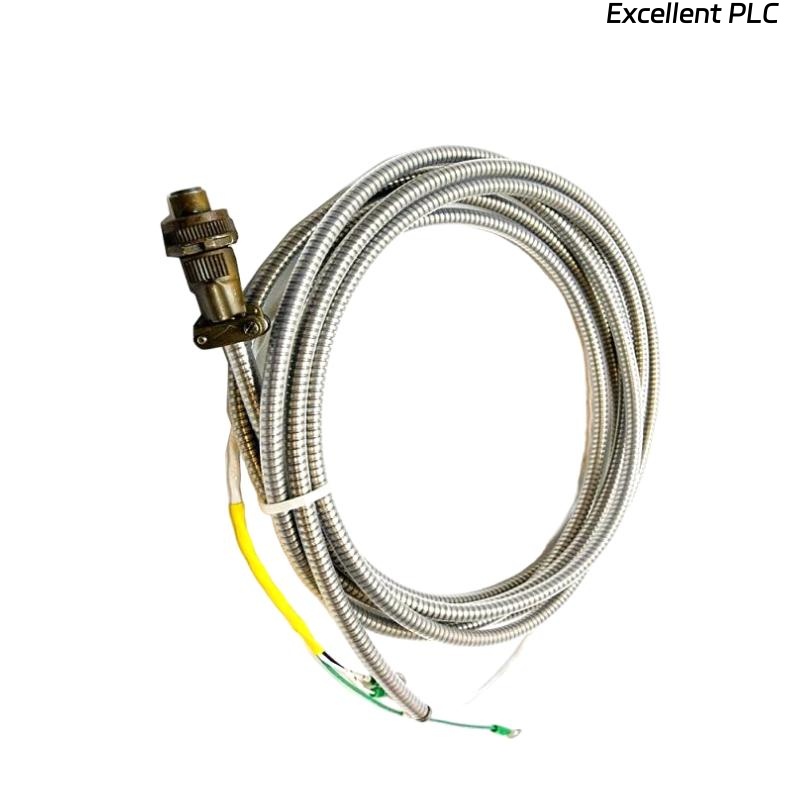
Table of Contents
- Bently Nevada 161087-20-00 VGA Cable Troubleshooting Entry
- Typical Display Signal Fault Symptoms
- Fault Diagnosis Based on Video Signal Behavior
- Common Causes of VGA Cable Issues
- Real Case: Signal Loss Due to Connector Loosening
- Corrective Actions and Recovery Process
- FAQ
- Technical Summary
Bently Nevada 161087-20-00 VGA Cable Troubleshooting Entry
Bently Nevada 161087-20-00 VGA cable troubleshooting reveals that display issues are typically caused by connection instability, interference, or configuration mismatch rather than cable failure.
This guide outlines a practical fault diagnosis approach based on observed display behavior.
Typical Display Signal Fault Symptoms
- No display signal
- Screen flickering or intermittent signal
- Distorted or blurred image
- Color abnormalities
Each symptom corresponds to specific fault causes.
Fault Diagnosis Based on Video Signal Behavior
IF no signal:
    check connector seating
    verify display input

IF flickering:
    inspect cable stability
    check for vibration effects

IF distorted image:
    verify resolution settings
    inspect cable shielding

IF color issues:
    check pin integrity
    inspect connector damage
This logic helps isolate faults efficiently.
Common Causes of VGA Cable Issues
- Loose or improperly secured connectors
- Bent or damaged pins
- Electromagnetic interference
- Incorrect display configuration
- Excessive cable length
Real Case: Signal Loss Due to Connector Loosening
In a turbine monitoring system, display intermittently lost signal during operation.
Analysis:
- No system or display hardware fault
- Signal loss correlated with machine vibration
Root Cause: VGA connector loosened due to vibration.
Solution:
- Re-secured connectors with locking screws
- Added cable support clamps
Result: Display signal remained stable under all conditions.
Corrective Actions and Recovery Process
- Secure connectors properly
- Replace damaged cables or connectors
- Optimize cable routing
- Verify display configuration
Consistent troubleshooting ensures reliable display operation.
FAQ
Why does VGA signal disappear intermittently?
This is often due to loose connections or vibration effects.
Can interference affect VGA signals?
Yes, electromagnetic interference can degrade signal quality.
How to check connector condition?
Inspect pins visually and ensure connectors are firmly seated.
Technical Summary
This Troubleshooting Guide highlights that Bently Nevada 161087-20-00 VGA cable issues are mainly related to connection integrity, interference, and configuration. Proper fault diagnosis ensures stable and reliable display performance.