 Excellent PLC


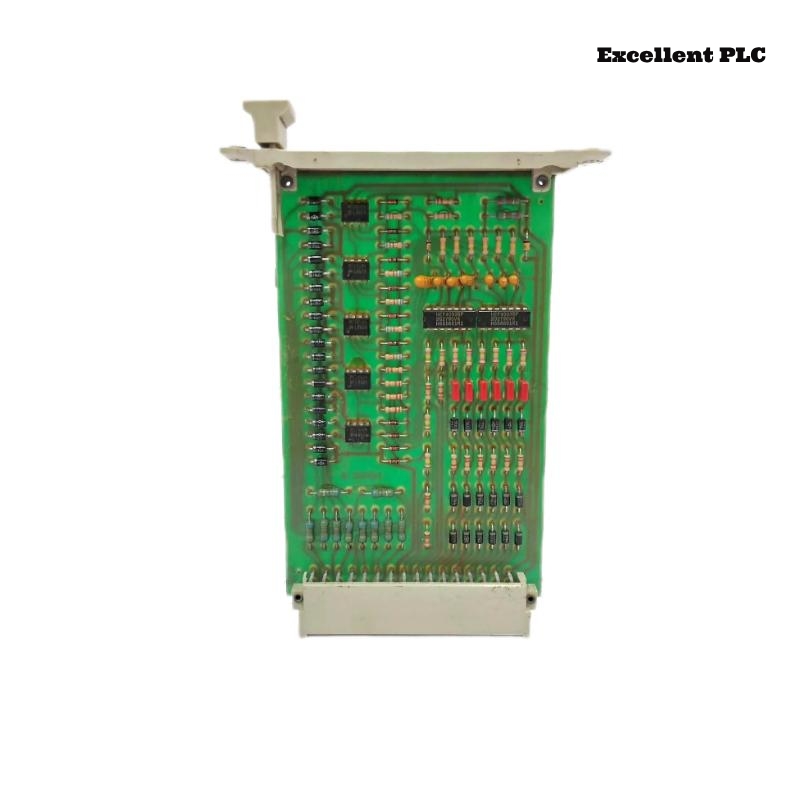
Fault Scenario
During a routine system restart, the F2201 safety controller remained in SAFE/STOP mode:
-
RUN LED: OFF
-
SAFE LED: Solid ON
-
Safety outputs de-energized
-
PLC confirmed all hardware inputs healthy
-
No error in power supply
Symptoms suggested internal configuration integrity failure rather than hardware fault.
Step 1 – Connect Engineering Station
2. Access diagnostic buffer.
3. Read last fault event and configuration CRC.
Diagnostic readout:
DETAIL: Safety configuration block invalid
Interpretation: The module detected a configuration checksum mismatch and prevented RUN transition.
Step 2 – Compare Online vs Offline Project
-
Online module project vs archived safety project
-
Firmware versions: verified identical
-
Last download attempt: interrupted due to network drop
Conclusion: Partial safety configuration was stored → CRC mismatch.
Step 3 – Understand Why Module Locks
The F2201 safety controller:
-
Performs cyclic CRC validation of safety logic
-
Monitors redundant CPU execution
-
Cross-verifies memory integrity
Failing any integrity check triggers SAFE state lockout, preventing unsafe operation.
Step 4 – Corrective Action
2. Clear module memory.
3. Re-download complete validated safety project.
4. Power cycle and confirm RUN mode.
After complete reload:
-
Module entered RUN mode
-
Outputs energized normally
-
Diagnostics confirmed configuration integrity
Step 5 – Preventive Measures
-
Always use stable network connections during safety project download
-
Keep firmware and software versions aligned
-
Maintain backup of validated safety project
-
Verify CRC after every download
Engineering Notes
-
F2201 is safety-critical: any configuration corruption automatically prevents operation
-
This fail-safe behavior avoids catastrophic machine start due to logic mismatch
-
Proper documentation and download procedures are essential for reliability
Conclusion:
If a Black Horse F2201 safety controller fails to enter RUN mode, the most common cause is safety configuration corruption (CRC mismatch). Proper download procedures, network stability, and project backups ensure safe restoration in Planar F systems.