 Excellent PLC


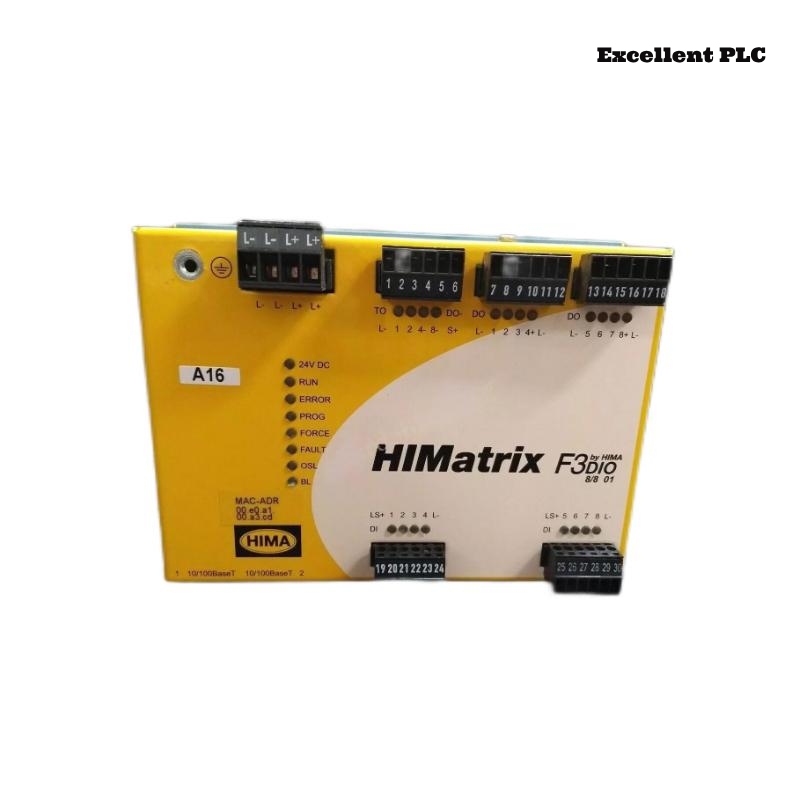
Step-by-step guide to troubleshoot intermittent digital input errors on HIMA F3 DIO 8/8 01 modules caused by configuration conflicts, with practical repair and prevention tips.
Observed Problem
Field engineers noticed that digital input channels 2 and 6 occasionally failed to register status changes from field devices. The HMI showed inputs toggling between “active” and “unknown” randomly. Interestingly, this behavior only occurred during scheduled batch operations, while manual toggles were consistently registered.
Visual checks confirmed the wiring was intact and module LEDs were showing normal operation.
Root Cause Identification
After reviewing the system setup, it was found that a recent PLC logic update introduced a mismatch in the input mapping configuration. Channels previously assigned for discrete monitoring were now partially configured for software filtering routines, which conflicted with real-time hardware scanning.
Additionally, timing delays on the PROFIBUS interface caused occasional missed input events during high load, amplifying the apparent “random failure.”
Step-by-Step Resolution
-
Backup the current configuration from the Safety Controller.
-
Open the HIMA Safety Configurator and verify channel assignments against field wiring.
-
Disable software filtering temporarily to test real-time response:
CONFIG>INPUT>CHANNEL6: FILTER=OFF
SAVE
RESET_MODULE
-
Monitor inputs via HMI for consistent behavior.
-
Gradually re-enable filtering one channel at a time, adjusting scan intervals to match module capabilities.
-
Once stable, save the verified configuration and document the timing parameters.
Within one hour, both digital inputs responded reliably, and the alarms ceased.
Practical Advice to Avoid Similar Issues
-
Always cross-check PLC updates with current module input assignments.
-
Maintain a test environment before deploying configuration changes to live modules.
-
Monitor communication latency on field buses when updating scan routines.
-
Keep detailed version logs for firmware, module configurations, and PLC logic.