 Excellent PLC


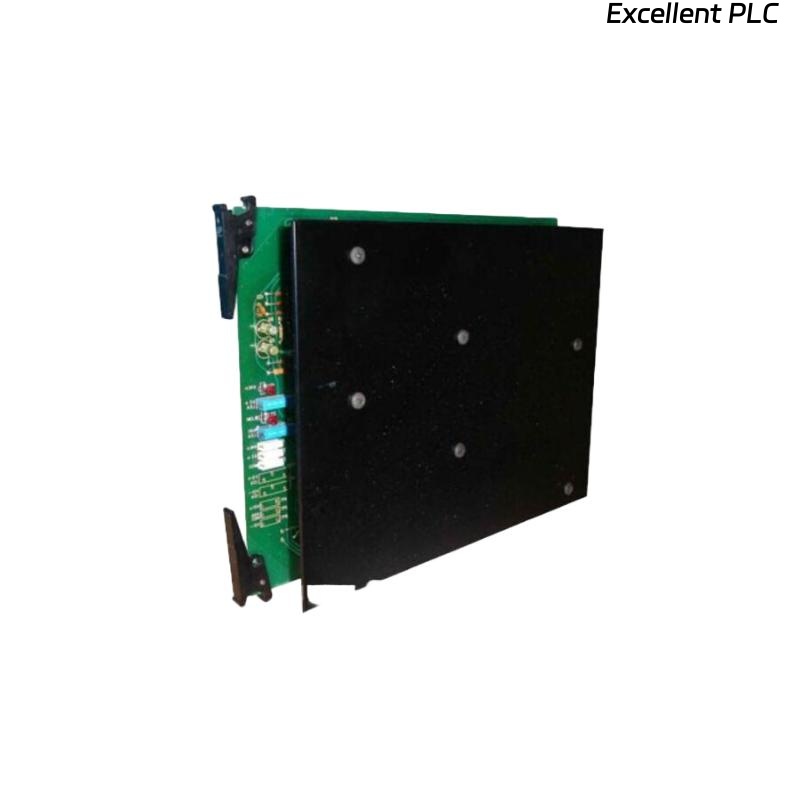
The Honeywell 100-34702-001 vertical bus driver is a critical component in Safety Manager or Experion PLC racks. When it fails, modules above or below may lose communication, causing partial or total system faults. From years of hands-on experience, here’s what I’ve learned about replacing it safely and effectively.
Recognizing the Fault
-
Common symptoms:
-
Intermittent module recognition
-
COMMS errors on connected nodes
-
Rack modules failing to initialize
-
-
Confirm the issue with diagnostics software or by checking the LED indicators.
-
Before assuming a driver failure, verify all modules are seated; sometimes loose modules mimic driver failure.
Tip: I often take a photo of the rack before removal to make reconnection easier.
Preparation and Safety
-
Power down the entire rack completely. Hot-swapping this driver can freeze nodes or damage connected modules.
-
Lockout/tagout procedures are mandatory.
-
Use ESD protection; these modules are sensitive to static discharge.
Removing the Faulty Driver
-
Disconnect all auxiliary cables carefully.
-
Pull the module straight out—tilting can damage backplane connectors.
-
Inspect the backplane: clean dust, check for bent pins, and ensure proper alignment before inserting the new driver.
Installing the New Honeywell 100-34702-001 Driver
-
Align the driver with the backplane evenly.
-
Slide it in gently until you feel a firm click—do not force it.
-
Reconnect auxiliary cables and secure any fasteners.
-
Ensure no tension on cables; loose or stressed connections are a frequent cause of intermittent COMMS failures.
For high-quality replacement parts or accessories, I often rely on suppliers like ExcellentPLC:
👉 https://www.excellentplc.com/
Power-Up and Testing
-
Power the rack and observe LED indicators:
-
Self-test sequence (brief flash)
-
COMMS LED stabilizes in green
-
-
Run a full system diagnostic to confirm that all vertical connections are operational.
-
Monitor for 15–20 minutes to catch intermittent faults.
Field note: Even a perfectly installed driver can fail if the rack is misaligned or vibrates excessively.
Additional Recommendations
-
Keep a spare 100-34702-001 driver in inventory to minimize downtime.
-
Record serial numbers and firmware versions for maintenance logs.
-
Inspect racks periodically for loose modules or physical stress that can damage the vertical bus driver.
References:
-
Honeywell. 100-34702-001 Vertical Bus Driver Installation and Maintenance Manual, 2019
-
Industrial Control Field Notes, Version 4.1, 2021