 Excellent PLC


1️⃣ Overview
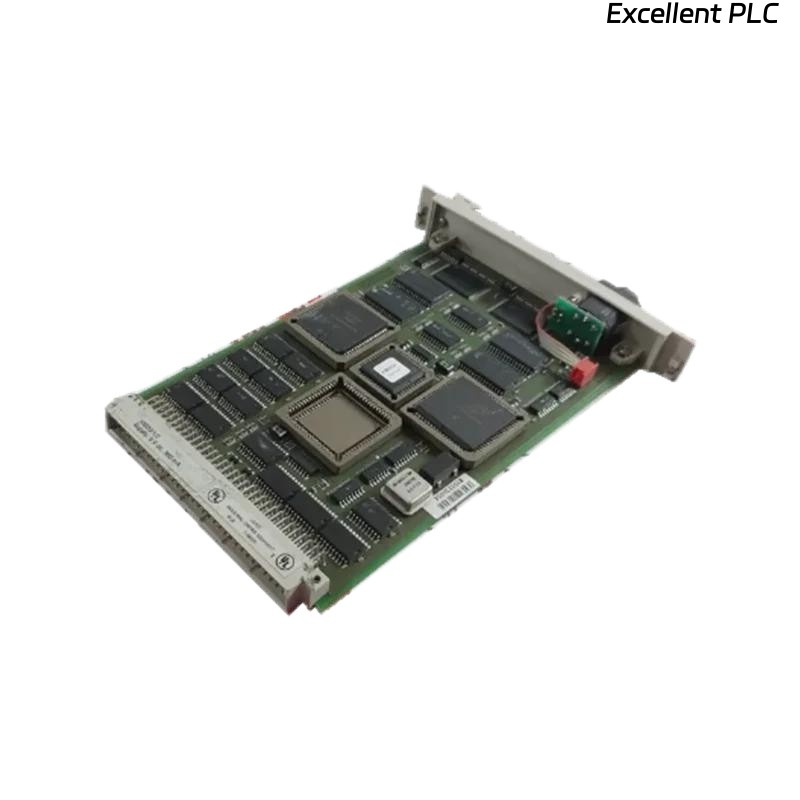
The Honeywell 10018/2/U communication module is designed for HC900 / TDC / Experion PKS systems to manage data exchange between controllers, I/O modules, and supervisory systems.
Proper installation ensures:
-
Stable system communication
-
Accurate data transfer
-
Fault-free integration with existing PLC or SCADA networks
2️⃣ Safety and Preparation
-
Power down the control system completely before installation.
-
Disconnect AC/DC power to the rack.
-
Wear ESD protection (wrist strap or mat).
-
Confirm the module part number 10018/2/U matches system requirements.
-
Verify that the rack slot is free of dust and debris.
⚠️ Note: Installing the module while the system is powered can cause communication errors or hardware damage.
3️⃣ Required Tools
-
Honeywell-approved 10018/2/U module
-
ESD wrist strap
-
Small flathead screwdriver (for latch release)
-
Multimeter (optional for power verification)
4️⃣ Step-by-Step Installation
Step 1 — Prepare Rack Slot
-
Identify the target slot in the rack.
-
Remove any blanking plate.
-
Inspect backplane connector for dust, oxidation, or bent pins.
Step 2 — Insert Communication Module
-
Align module edge connector with backplane slot.
-
Slide in firmly but gently until fully seated.
-
Secure latches or clips to prevent movement.
Step 3 — Connect Cables
-
Connect network or communication cables to module ports:
-
RS-485 / RS-232 / Ethernet depending on system type
-
-
Ensure proper polarity and cable termination.
-
Avoid tight bends or strain on the cable.
Step 4 — Power On & Verify Operation
-
Restore power to the rack.
-
Observe LEDs:
-
PWR: solid green
-
COM: blinking green indicates active communication
-
FAULT/ERR: off (normal operation)
-
-
Verify network connectivity using engineering workstation or SCADA tool.
5️⃣ Troubleshooting Tips
| Symptom | Possible Cause | Action |
|---|---|---|
| COM LED off | Loose module seating | Re-seat module |
| FAULT LED red | Cable miswiring or network conflict | Check cable and node addresses |
| No communication | Incorrect configuration or termination | Verify settings in SCADA/PLC tool |
| Intermittent connection | Electromagnetic interference or faulty cable | Replace cable or reroute away from high EMI sources |
6️⃣ Field Recommendations
-
Keep a spare 10018/2/U module on-site for rapid replacement.
-
Record installation date and firmware version in maintenance logs.
-
Periodically inspect module and cables for wear or dust accumulation.
-
Maintain correct network topology and termination resistors for reliable communication.
✅ Summary
Installing the Honeywell 10018/2/U communication module involves:
Preparation → Insert module → Connect cables → Power on → Verify operation
Following this guide ensures reliable communication and minimizes system downtime.