 Excellent PLC


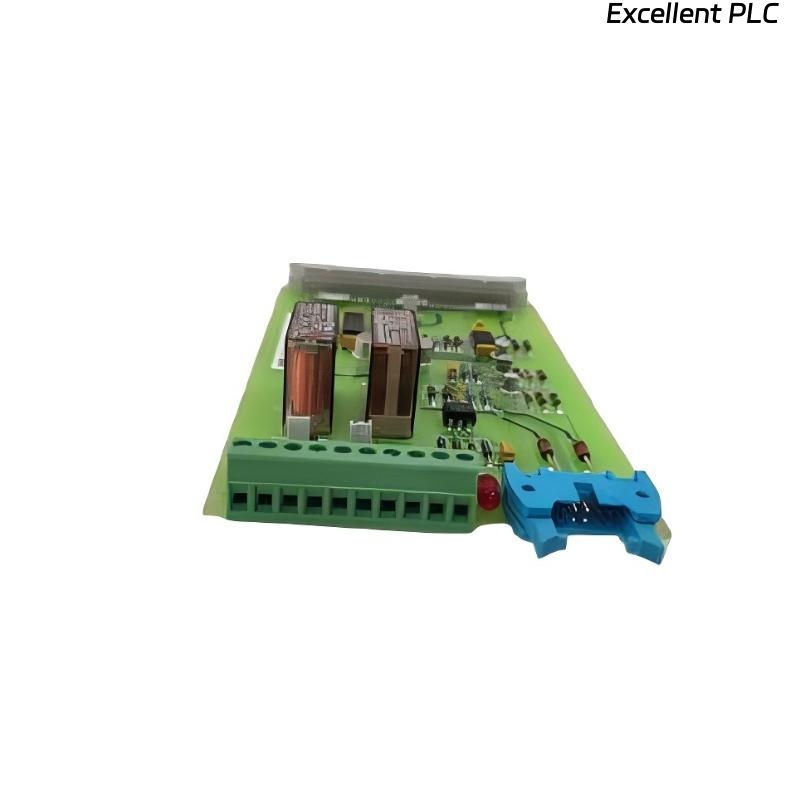
Last month, I was helping a plant engineer upgrade an ABB DCS system, and everything was smooth until we installed the SAFT181INF Power Interface Module.
The module powered up perfectly, LEDs looked fine, voltage was stable — but the controller kept throwing a “code mismatch / configuration not recognized” error.
I’ve seen this before, and it’s one of those problems that make you doubt whether it’s hardware, firmware, or configuration related.
Here’s what actually caused it, and how I resolved it step-by-step.
Step 1: Confirming the Physical Module Integrity
The first thing I checked was whether the module was physically okay.
The SAFT181INF acts as a power and interface bridge for the S800 I/O series, providing both system voltage and identification to the communication adapter (like CI801 or CI840).
Before jumping into software diagnostics, I confirmed:
-
Input: 24.1VDC stable on terminals.
-
Output: 24.0VDC to I/O bus — correct.
-
LED: Green, solid (no flashing).
-
No physical damage or oxidation on the connectors.
So hardware was healthy. The “code mismatch” had to be logical or firmware related.
Step 2: Checking Module Identity in Control Builder
When you connect the S800 system through ABB Control Builder or Composer, each module broadcasts its type code and version number.
The SAFT181INF reports something like:
But in our project configuration, the database still had the older module definition:
That mismatch caused the controller to reject the module code during I/O bus initialization.
⚙️ Lesson: ABB DCS hardware requires exact firmware and part code alignment between the field module and the engineering database. Even a minor version difference will trigger a mismatch error.
Step 3: Synchronizing Hardware Definition Files
I went into the Hardware Definition Library (HWD) within Control Builder and realized our engineering laptop had an outdated library set.
To fix it:
-
Downloaded the latest ABB HWD file package from the ABB Library (specific for S800 I/O).
-
Imported the
SAFT181INFdefinition file (*.hwd) into the system. -
Verified that the firmware ID (01.04) now appeared in the list.
After updating, I recompiled the project and re-downloaded it to the controller.
This time, the module code matched successfully.
Step 4: Verifying Address Assignment
The SAFT181INF doesn’t hold I/O points itself, but it participates in the address mapping chain between the power bus and the I/O modules (AI, AO, DI, DO, etc.).
If the address sequence doesn’t match between software and physical slots, you’ll also get a “code mismatch.”
Here’s how I verified it:
-
Opened the S800 I/O layout in the Control Builder hardware view.
-
Checked the slot address sequence — SAFT181INF must always be the first module in the chain (slot 0).
-
Confirmed the following sequence:
-
Slot 0 → SAFT181INF
-
Slot 1 → AI801
-
Slot 2 → DI810
-
Slot 3 → AO845
-
In the original configuration, someone had placed SAFT181INF in slot 3.
That alone caused the mismatch, even though the firmware version was fine.
After correcting the sequence and downloading again — the error cleared instantly.
💡 Tip: In ABB systems, the logical address order must mirror the physical module order on the DIN rail. The SAFT181INF always starts the segment because it defines the power and bus identity.
Step 5: Testing and Validation
Once the module code matched and configuration downloaded successfully, I performed these quick checks:
-
All I/O modules recognized correctly in the online tree.
-
No mismatch or “Not Configured” messages.
-
24V bus voltage stable across entire I/O rack.
-
No firmware update prompts for any module.
Finally, I performed a cold restart on the controller — everything came back normally, meaning the configuration and firmware pairing were stable.
Step 6: Lessons Learned
After dealing with several ABB SAFT modules, I’ve noticed that code mismatches almost always fall into one of three categories:
| Cause | Description | Fix |
|---|---|---|
| Outdated HWD library | Module firmware newer than project version | Update Control Builder hardware library |
| Incorrect slot addressing | Module order in software doesn’t match rail | Correct slot sequence |
| Mixed firmware modules | Different revisions installed together | Standardize firmware versions |
The SAFT181INF itself rarely fails electrically — it’s almost always a configuration discipline issue.
Step 7: Preventing Future Code Mismatch Errors
Here’s what I now recommend every time before commissioning ABB power or interface modules:
-
Check firmware version (on label or via ABB Tools).
-
Update Control Builder HWD files before starting configuration.
-
Match physical installation order to software slot numbering.
-
Perform a “Check Configuration” before downloading — ABB will flag mismatched versions early.
-
Label each module with firmware revision for maintenance reference.
Doing this saves hours of unnecessary module swapping or fault chasing.
Final Thoughts
The ABB SAFT181INF Power Interface Module is solid, but firmware version and configuration management are key to getting it running right.
In my experience, when it “fails to match code,” it’s almost never broken — it’s just telling you that software and hardware aren’t speaking the same version language yet.
Once you align those versions, the module works flawlessly.
“In ABB systems, precision isn’t optional — it’s part of the design philosophy.”