 Excellent PLC


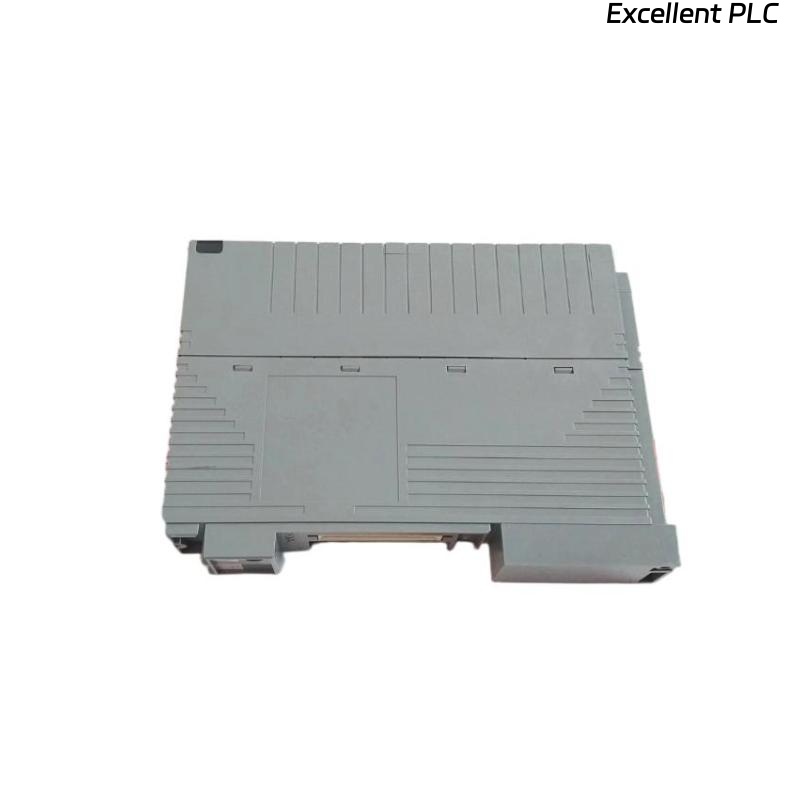
1. Overview
The Yokogawa CP471 processor module communicates with remote I/O nodes, SCADA workstations, and network controllers using proprietary and standardized industrial communication protocols. When protocol mismatches or configuration errors occur, the CP471 may fail to transmit or receive essential data, resulting in alarm floods, control delays, or complete network segmentation.
This troubleshooting playbook provides field engineers with structured procedures, root cause classification, and remediation techniques based on real industrial deployments.
2. Typical Symptoms of Protocol-Level Failures
Protocol-related communication problems produce unique operational signatures:
System-Level Symptoms
-
Remote I/O modules drop offline
-
SCADA workstations show stale or frozen process values
-
Field controllers do not register CP471 status
-
OPC clients fail to update tags
CP471 Diagnostic Logs Often Include:
SCADA Alarm Examples:
3. Known Root Causes (Field-Verified)
Protocol errors seldom originate from the processor hardware itself. Field experience shows the following dominant causes:
A. Protocol Mismatch Between Devices
Occurs when network devices operate on different protocol versions or message structures.
Example:
-
CP471 using Vnet/IP while remote device expects Modbus/TCP
B. Incorrect Communication Parameters
Misconfigured settings such as:
-
Baud rate
-
Parity
-
Stop bits
-
MTU (Maximum Transmission Unit)
-
Slot addressing
-
Protocol versioning
C. Firmware or Driver Incompatibility
Outdated firmware may not support new protocol revisions.
D. Gateway or Protocol Converter Misconfiguration
Improper translation on devices such as:
-
OPC gateways
-
SCADA servers
-
Fieldbus converters
-
Modbus gateways
E. Security or Firewall Blocking
Newer industrial firewalls can block or reshape packets, especially if DPI (Deep Packet Inspection) is enabled.
4. Troubleshooting Playbook
For systematic diagnostics, field engineers apply the following workflow:
Step 1 — Verify Protocol Stack Compatibility
Check device protocol standards:
If revisions differ, compatibility tables must be consulted.
Step 2 — Validate Communication Parameters
Compare settings:
| Parameter | CP471 | Remote Device | Status |
|---|---|---|---|
| Protocol | Vnet/IP | Vnet/IP | OK |
| Firmware | R3.02 | R2.04 | ⚠ Version Gap |
| MTU | 1480 | 1500 | ⚠ Fragmentation Risk |
| Timeout | 100ms | 150ms | OK |
Mismatch in MTU and firmware versions commonly leads to fragmented or rejected packets.
Step 3 — Packet Capture and Analysis
Use industrial packet analyzers (Wireshark with Vnet filters) to inspect:
-
Frame structure
-
CRC integrity
-
Sequence numbers
-
Keepalive responses
-
Acknowledge flags
Example Packet Capture Finding:
Indicates protocol formatting or fragmentation issues.
Step 4 — Firmware & Configuration Validation
Run firmware consistency checks:
5. Corrective Actions Implemented
Based on diagnostics, engineers applied:
✔ Firmware Alignment
Updated CP471 and Remote I/O firmware to compatible versions.
✔ Parameter Normalization
Unified configuration settings:
-
MTU standardized to 1480
-
Retransmission timeout set to 200ms
-
Session keepalive enabled
✔ Gateway Reconfiguration
OPC gateway translation tables updated to correct PDU mappings.
✔ Firewall Policy Adjustments
Industrial firewall DPI disabled for Vnet/IP network zone.
6. Field Engineering Notes
From practical experience across oil & gas and energy plants:
-
Vnet/IP is sensitive to MTU mismatches due to encapsulation overhead.
-
OPC DA/UA conversions frequently cause missing timestamp fields.
-
Protocol errors may increase after cyber-security upgrades due to packet inspection.
-
Firmware alignment is critical when mixing generations of Yokogawa hardware.
7. Preventive Recommendations
To avoid production disruptions:
Firmware & Software
-
Standardize firmware versions plant-wide
-
Maintain compatibility matrix documentation
Network Engineering
-
Use VLAN segmentation for control traffic
-
Disable DPI for industrial protocols when safe
-
Validate MTU settings across switches and gateways
Documentation & Change Control
-
Use MOC (Management of Change) procedures for all network upgrades
-
Maintain baseline network configurations for rapid rollback
8. Conclusion
Communication protocol errors on Yokogawa CP471 modules are typically configuration or compatibility issues rather than hardware defects. With structured diagnostics and controlled firmware management, engineers can restore communication integrity and maintain DCS reliability in mission-critical environments.