 Excellent PLC


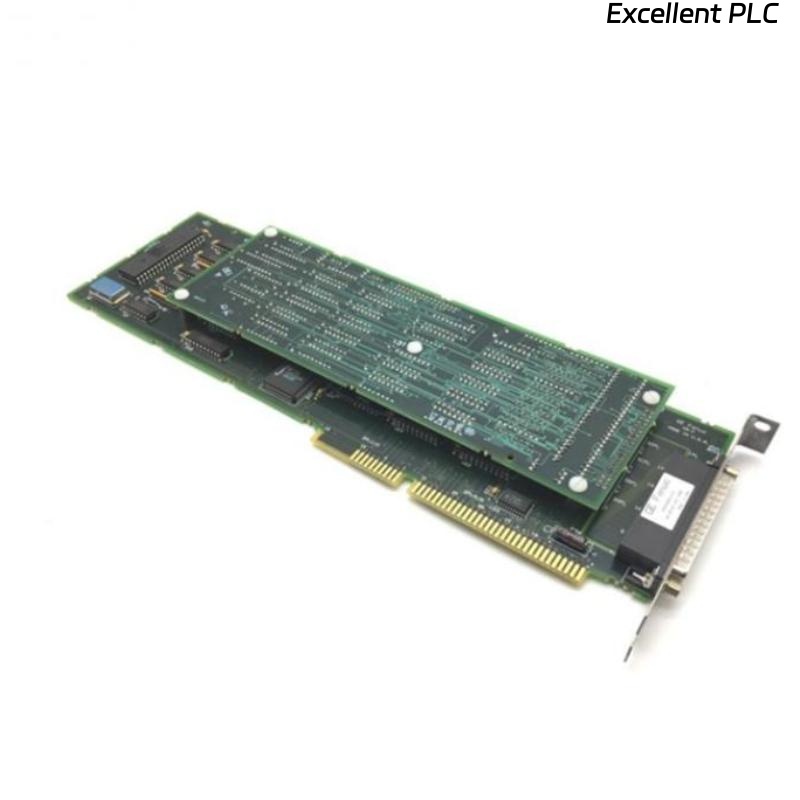
The GE IC640WMI610 is a compact HMI terminal designed for Mark VIe and IC600 series PLC systems. It provides local visualization, operator interaction, and limited control capabilities. Proper installation is key to ensuring reliable operation and avoiding interface issues.
Physical Mounting and Preparation
When I first handle an IC640WMI610, I always inspect the terminal for damage. Mounting is straightforward, but the terminal must sit on a flat panel or enclosure surface. Use the factory-provided brackets or screws, and avoid overtightening to prevent cracking the housing.
-
Ensure ESD precautions: wear a grounded wrist strap when handling the terminal.
-
Leave clearance around the HMI for ventilation.
Electrical Connections
-
The HMI receives 24V DC power. Check polarity and voltage ratings.
-
Connect the communication port to the PLC network using twisted-pair shielded cabling. In a Mark VIe environment, this is usually an RS-232 or Ethernet link.
-
Verify that all connectors click firmly and cables are not under stress.
Field insight: Loose connectors are the most common reason a freshly installed HMI fails to display or communicate.
Software Configuration
Once physically connected, power up the HMI. You should see the startup splash screen.
-
Configure the HMI using Workbench or Proficy Machine Edition, matching it to the correct PLC slot and network address.
-
Download the project to the HMI and test basic functionality: button presses, screen navigation, and I/O reading.
Testing and Troubleshooting
-
Check the HMI LEDs: power, communication, and fault indicators.
-
If the screen does not turn on, measure voltage at the power terminals first.
-
Confirm that PLC communication is live; often, an incorrect IP or COM port setting prevents the HMI from initializing correctly.
Practical tip: I always run a short functional test for each button and display element before handing the system to operations. This prevents surprises during commissioning.
References:
-
GE Digital. IC640WMI610 Compact HMI Terminal Installation Manual, 2019.
-
GE Digital. Mark VIe HMI and Controller Setup Guide, 2020.