 Excellent PLC


Incident Description
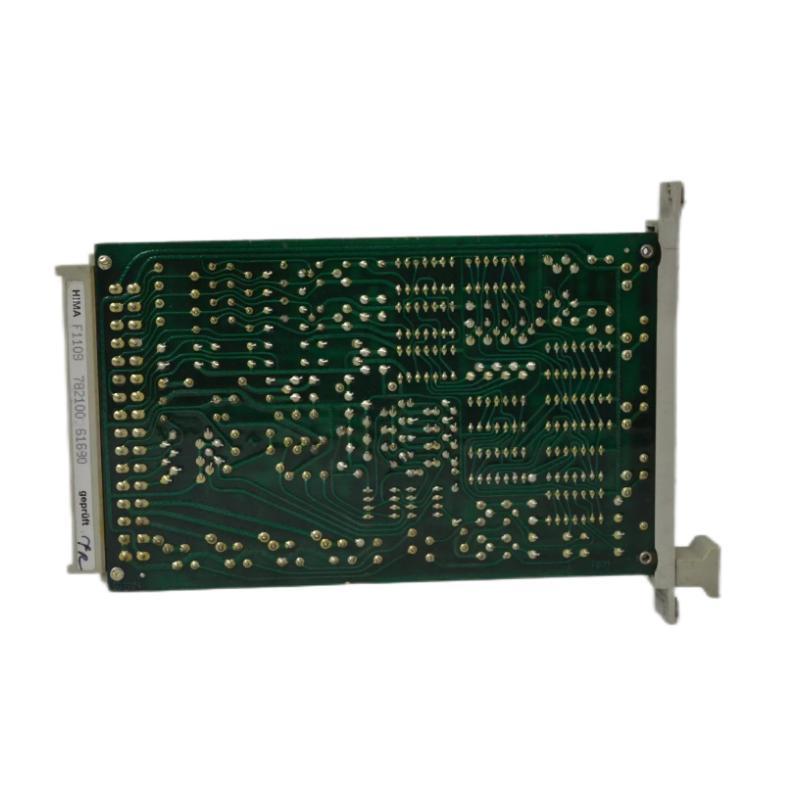
A flow control loop connected to the Black Horse F1109 Analog Input Module began showing sluggish response behavior. When the process variable changed rapidly, the displayed value lagged by several seconds before stabilizing.
Field verification confirmed the transmitter responded instantly when measured directly. However, the control system trend showed delayed ramping behavior, impacting loop stability and PID performance.
Differentiating True Process Lag from Input Delay
Before suspecting the module, it is critical to confirm whether the delay originates from:
-
Process dynamics
-
Transmitter damping settings
-
Signal filtering configuration
-
Module sampling behavior
The following isolation logic was applied:
AND wiring resistance within spec
AND multiple channels show similar lag
THEN suspect module sampling/filter configuration
Technical Causes of Slow Analog Response
There are four primary causes of delayed response on F1109 modules:
-
Excessive digital filtering configured in system parameters
-
Overloaded scan cycle in the controller
-
Internal ADC sampling instability
-
Degraded input conditioning components
In many cases, the module is not defective — the issue lies in configuration.
Configuration Verification
Engineers reviewed system settings and discovered that the analog input filter constant had been increased during a previous noise troubleshooting effort.
Example configuration logic:
Sampling Rate: 100 ms
Digital Filter Constant: 5.0 sec
Effective Response Time ≈ 4–6 sec
This filter setting smoothed noise but unintentionally introduced significant lag.
Controlled Performance Test
To verify:
1. Inject step change (4 mA → 20 mA).
2. Record time to reach 95% final value.
3. Compare response before and after filter adjustment.
After reducing the filter constant to 0.5 sec, the module response time returned to near-instantaneous tracking.
When Hardware Is the Cause
If filter settings are correct but delay persists, consider:
-
ADC conversion timing fault
-
Internal clock instability
-
Aging signal conditioning capacitors
Hardware-related delay typically affects only one module, not the entire rack.
Replacement confirmation method:
Replace with known-good F1109.
Repeat dynamic step injection.
Compare response curves.
If delay disappears, hardware degradation is confirmed.
Corrective Action Plan
– Verify controller scan time load.
– Replace module if ADC instability confirmed.
– Document response time benchmark after correction.
Engineering Best Practices
-
Avoid excessive filtering unless process demands it.
-
Periodically benchmark analog step-response time.
-
Keep cabinet temperature stable to prevent component drift.
-
Maintain firmware compatibility across Planar F system components.
Conclusion
Slow response or sampling delay on the Black Horse F1109 Analog Input Module is most commonly caused by configuration-level digital filtering rather than hardware failure. Structured performance testing and parameter verification allow engineers to restore optimal dynamic response while maintaining measurement stability in Planar F systems.