 Excellent PLC


Executive Summary
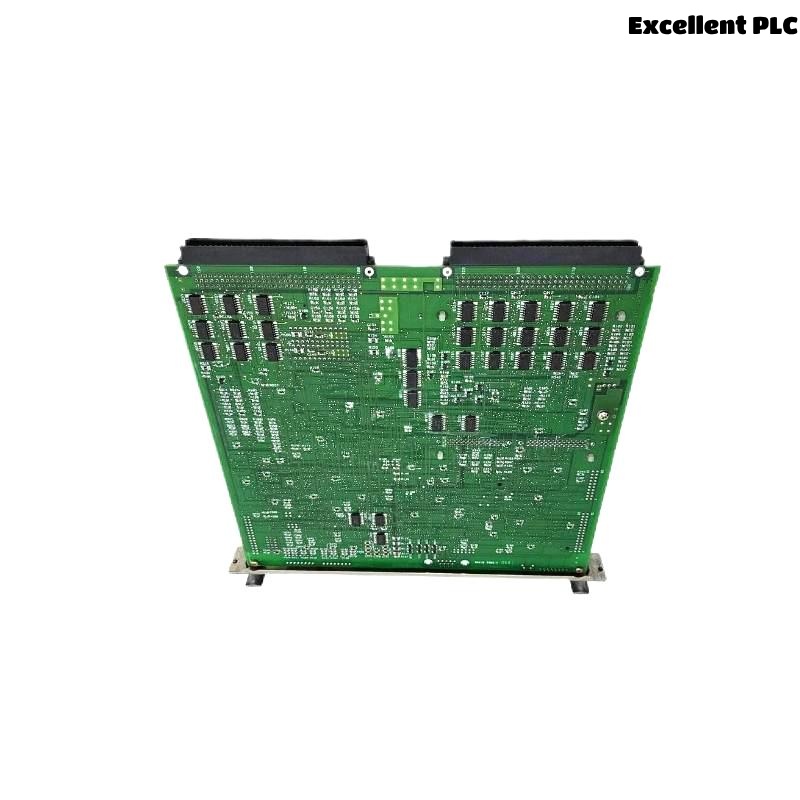
The Yokogawa CP701 Central Processor Unit (CPU) is widely deployed in Distributed Control System (DCS) architectures for mission-critical industrial applications. Despite robust design standards, extended exposure to elevated ambient temperatures can induce thermal stress, leading to intermittent failures, accelerated component aging, and eventual system downtime.
This document outlines the mechanisms, diagnostic indicators, and mitigation strategies associated with thermal overstress affecting the CP701 CPU.
1. Environmental and Operational Context
Industrial facilities such as refineries, steel plants, and glass manufacturing lines often subject electronic control hardware to extreme temperature conditions. In this case, a CP701 CPU was integrated in a panel located near a furnace exhaust zone without active cooling or ventilation.
Recorded Site Conditions
| Parameter | Value |
|---|---|
| Ambient Panel Temperature | 46–52°C |
| CPU Internal Temperature (Peak) | 71°C |
| Recommended CPU Operating Range | 0–55°C (per Yokogawa guidelines) |
| Duty Cycle | 24/7 continuous operation |
The internal thermal readings exceeded recommended thresholds during peak production cycles.
2. Observed Failure Symptoms
Temperature-induced failures typically present as intermittent and progressive rather than immediate catastrophic shutdowns.
Notable Observations:
-
Watchdog timer resets during high-load intervals
-
Communication timeout between CP701 and I/O nodes
-
CPU throttling, causing slowed scan execution
-
Trending delays on SCADA/HMI visualization layers
-
Fanless panels exhibiting heat soak behavior
Control room logs captured the following thermal warnings:
3. Failure Mechanisms
High temperature affects electronic components through multiple pathways:
(A) Semiconductor Degradation
Excessive heat accelerates electromigration in CPU and memory ICs.
(B) Capacitor Aging
Electrolytic capacitors degrade faster above 50°C, reducing filtering performance.
(C) Clock and PLL Instability
Thermal drift affects timing circuits responsible for deterministic scan cycles.
(D) Bus Interface Noise Amplification
Thermal stress increases analog noise levels on communication transceivers.
4. Diagnostic Methodology
Field engineers performed a structured thermal diagnostic workflow.
Step 1 — Temperature Profiling
Thermal camera and panel sensors recorded hot spots:
Step 2 — Load-Based Thermal Stress Testing
Engineers simulated peak load:
Step 3 — Communication Integrity Check
CRC error counters increased above 60°C threshold.
Step 4 — Thermal Cycling Review
History analysis identified repeated thermal cycling from 42°C (night) to 70°C (day), accelerating fatigue.
5. Corrective Actions Implemented
To address thermal overstress, the following upgrades were deployed:
✔ Enclosure Thermal Management
-
Installed dual ventilation fans
-
Added filtered intake louvers
-
Implemented positive airflow design
✔ Component Relocation
CP701 module was moved from furnace-adjacent enclosure to a temperature-controlled MCC room.
✔ Temperature Monitoring
Added thermal probes with SCADA integration:
✔ Shutdown Threshold Configuration
Thermal alarms configured at 60°C, with automatic program hold at 65°C.
6. Preventive Engineering Measures
Recommended design and operational practices include:
Environmental Controls
-
Maintain 25–35°C inside control panels
-
Use air-conditioned enclosures for furnace or kiln zones
-
Implement heat isolation barriers for radiant heat sources
Hardware Selection
-
Choose industrial-rated PSUs with 70°C tolerance
-
Use high-temperature signal cabling
Maintenance Policies
-
Perform annual thermal imaging inspections
-
Replace capacitors after prolonged high-temperature exposure
-
Clean fan filters every 3–6 months
7. Conclusion
Thermal overstress represents a major reliability risk for Yokogawa CP701 CPUs operating in harsh industrial environments. While the hardware is robust under standard conditions, sustained high temperatures lead to degraded performance, intermittent resets, communication failures, and premature component aging.
Proper thermal engineering, enclosure design, and monitoring significantly increase module lifespan and system availability.