 Excellent PLC


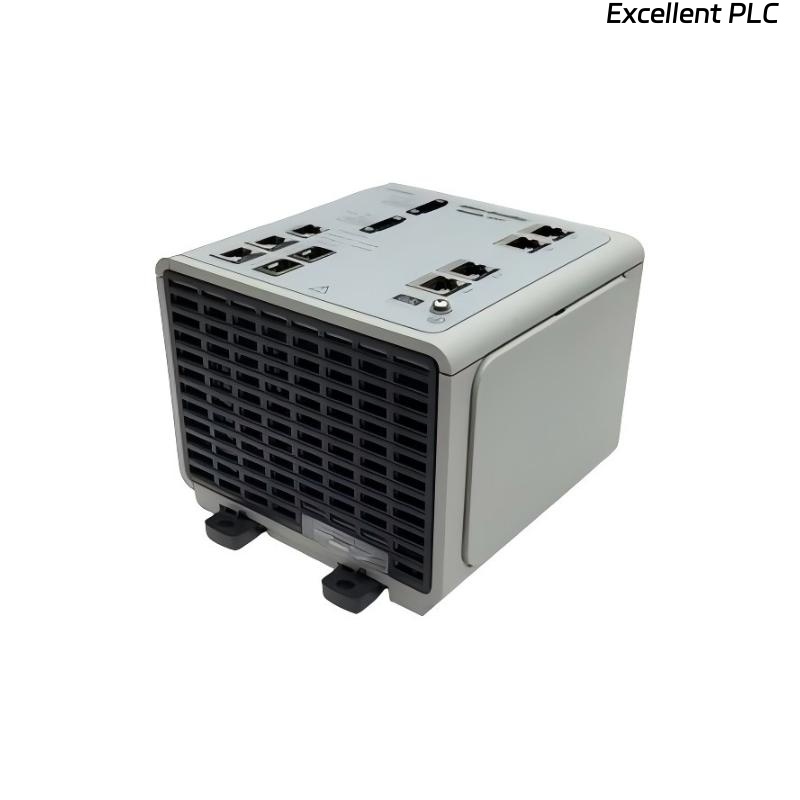
During a recent maintenance session, a 1783-MS06T managed Ethernet switch module in a ControlLogix rack failed to power on. The network lost connectivity, and the module LEDs remained dark. Here’s a detailed account of how I approached the problem.
Step 1: Verify Power Supply
The 1783-MS06T requires 24V DC from the system or a compatible PowerFlex or ControlLogix supply. Using a multimeter, I confirmed the voltage at the input terminals. In several cases, power loss was caused by loose connectors or blown fuses upstream in the chassis.
Step 2: Inspect Physical Connections
I removed the module and inspected the backplane connector and terminal screws. Dust, corrosion, or slight misalignment often prevents proper contact with the backplane. Carefully cleaning the connector with isopropyl alcohol and reseating the module sometimes restores power.
Step 3: Check Environmental Factors
The 1783-MS06T is sensitive to temperature and humidity extremes. I confirmed that ambient conditions were within the specified operating range. Overheating or water condensation can prevent module startup.
Step 4: Test Module Independently
I connected the switch to a standalone 24V DC bench supply to determine if the issue was internal. If the module powers on externally, the problem is likely with the rack’s backplane or wiring. If it remains dead, internal failure is probable.
Step 5: Replacement or Repair
For critical networks, a module replacement is the safest option. While minor backplane contact issues can sometimes be repaired, internal electronics on the MS06T are delicate, and failed power circuits usually require OEM servicing.
Field insight: Managed Ethernet switches rarely fail outright; most “no power” issues are due to loose wiring, fuses, or backplane contact problems rather than internal module failure.
References:
-
Rockwell Automation. 1783-MS06T Managed Ethernet Switch Module User Manual, 2020.
-
Rockwell Automation. ControlLogix Power Distribution Guidelines, 2018.