 Excellent PLC


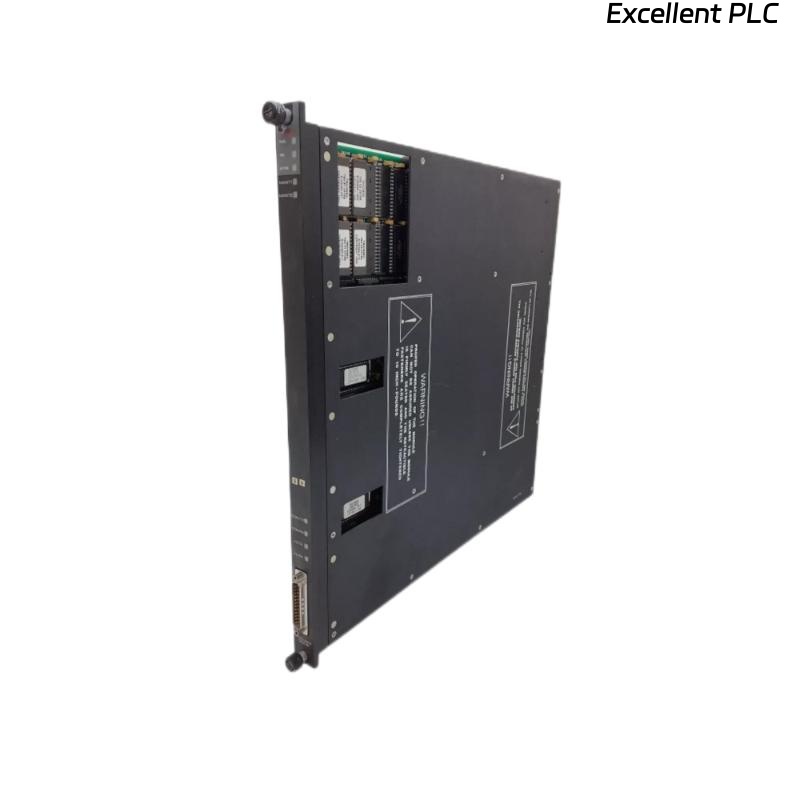
I’ve seen this happen many times in the field: the 3002 terminal board is mounted, wiring looks neat, the system powers up… and the controller immediately flags a fault on the pulse input channel group.
This type of problem rarely announces its root cause directly, so troubleshooting often relies more on practical experience than on theoretical documentation.
The Board Is Physically Installed, but Electrically “Not Really There”
One detail that repeatedly catches people off guard is the seating of the terminal board.
The 3002 is sensitive to backplane engagement—very sensitive.
If the board is even slightly misaligned, the controller sees partial contact and interprets it as a hardware failure.
Some engineers describe it like this:
“It clicks, but it doesn’t connect.”
When this happens, the system usually displays a generic input-module fault or a communication loss on the pulse interface.
Reseating the board—pressing it straight, cleaning the guide pins, removing dust—often clears the alarm instantly.
Pulse Signal Quality Problems Masquerading as Hardware Failures
With pulse-type inputs, the wiring can be perfect and the board fully seated…
but if the incoming signal is noisy, low amplitude, or improperly referenced, the module will reject it and trigger a channel fault.
In real installations, the most common issues are:
-
insufficient sensor amplitude (especially with magnetic pickups)
-
wiring polarity reversed
-
shield not grounded, causing spurious pulses
-
long cable runs without proper termination
-
sensors powered by a noisy 24V loop
A technician once told me:
“The board wasn’t the problem at all — the turbine probe was barely generating 150 mV.”
To the controller, that looks like a dead input.
The Sensor Works… but the Configuration Doesn’t Match
Triconex pulse channels can be configured for different signal types—TTL, magnetic pickup, frequency mode, counter mode, etc.
If the terminal board is replaced or added after maintenance but the logic configuration was left untouched, the module may throw “Input Out of Limits” or “Invalid Pulse Format.”
Different CPU versions and slot assignments also affect how the board identifies itself to the system.
It’s not uncommon to see a perfect installation with the wrong config behind it.
Backplane Contact Oxidation — The Silent Trouble Maker
Older Triconex panels, especially in chemical plants or offshore platforms, often suffer from slight oxidation on the rack connectors.
The 3002 handles high-speed signals, and even a small increase in contact resistance can cause the CPU to misread timing pulses.
You remove the board, wipe the connector with contact cleaner, press it back in… fault disappears.
Simple but frequently overlooked.
Internal Faults on the 3002 Board Are Not Impossible
Although much less common, a partially damaged input-conditioning circuit can cause the module to reject certain pulse frequencies while still appearing “alive” to the system.
Typical symptoms include:
-
only one or two channels faulting
-
pulse rate showing erratic spikes
-
module passing cold-start tests but failing under load
-
input edges missing at higher speed
These issues often trace back to:
-
overstressed protection diodes
-
aged capacitors in the shaping circuit
-
ESD damage on the input comparator
When a known-good terminal board works fine in the same slot, the conclusion is usually unavoidable.
Field Engineers’ Quick Summary
Here’s how most experienced technicians would describe the situation in plain terms:
-
If the whole board faults: check seating and backplane.
-
If only certain channels fault: suspect wiring or signal quality.
-
If the input looks “alive but wrong”: configuration mismatch.
-
If everything looks correct except the board: internal circuit degradation.
Or as one senior engineer said:
“With pulse boards, the answer is almost always in the signal chain — rarely the firmware, rarely the CPU.”