 Excellent PLC


What Triggered the Investigation
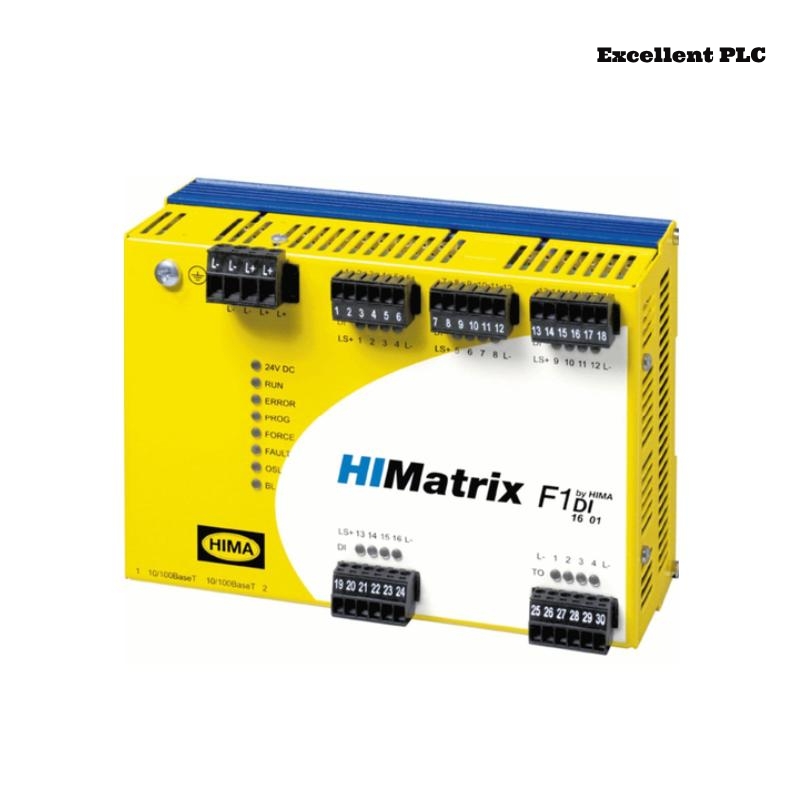
After a scheduled system upgrade, operators reported that several digital inputs connected to the Black Horse F1 DI 16 01 Remote I/O Module no longer responded. Field devices were confirmed to be switching normally, but the control system showed no state change. Initial suspicion fell on the I/O module itself, and a replacement was even prepared.
However, further analysis revealed that the hardware was functioning correctly. The apparent “failure” was caused by a configuration mismatch introduced during the software update process.
Typical Symptoms of Configuration-Related Issues
Configuration errors often mimic hardware faults. Common indicators include:
-
Inputs appear permanently “OFF” or frozen at a previous state
-
Wrong channels reacting to field device actuation
-
Alarms indicating “I/O mismatch” or “address not found”
-
Module status reported as healthy, while signals remain invalid
These symptoms are particularly common after controller firmware upgrades, project re-downloads, or I/O database modifications.
Structured Debugging Process
By following a structured verification workflow, engineers can quickly distinguish between true hardware faults and configuration-induced signal loss.
Root Cause: How the Mismatch Occurred
In this case, the remote I/O station was re-addressed during commissioning of a new network segment, but the updated node ID was not propagated to the controller configuration. As a result, the controller continued to poll an outdated address, leading to “valid module, invalid data” symptoms.
Another contributing factor was the reuse of an old I/O template that did not match the actual channel allocation of the installed F1 DI 16 01 module.
Corrective Actions and Validation
After applying these corrections, all digital inputs resumed normal operation without any hardware replacement.
Operational Takeaways
This incident highlights how configuration management can directly impact perceived hardware reliability. Without disciplined change control and configuration validation, healthy remote I/O modules may be unnecessarily replaced, increasing maintenance cost and downtime.
Maintaining version-controlled backups of I/O configurations and performing post-change validation checks can prevent similar misdiagnoses in future system modifications.
Conclusion
Not every apparent failure of the Black Horse F1 DI 16 01 Remote I/O Module is caused by hardware defects. Configuration mismatches and I/O mapping errors can produce symptoms that closely resemble physical module faults. A methodical debugging process that includes both software and hardware verification is essential for efficient fault isolation and accurate root cause identification.