 Excellent PLC


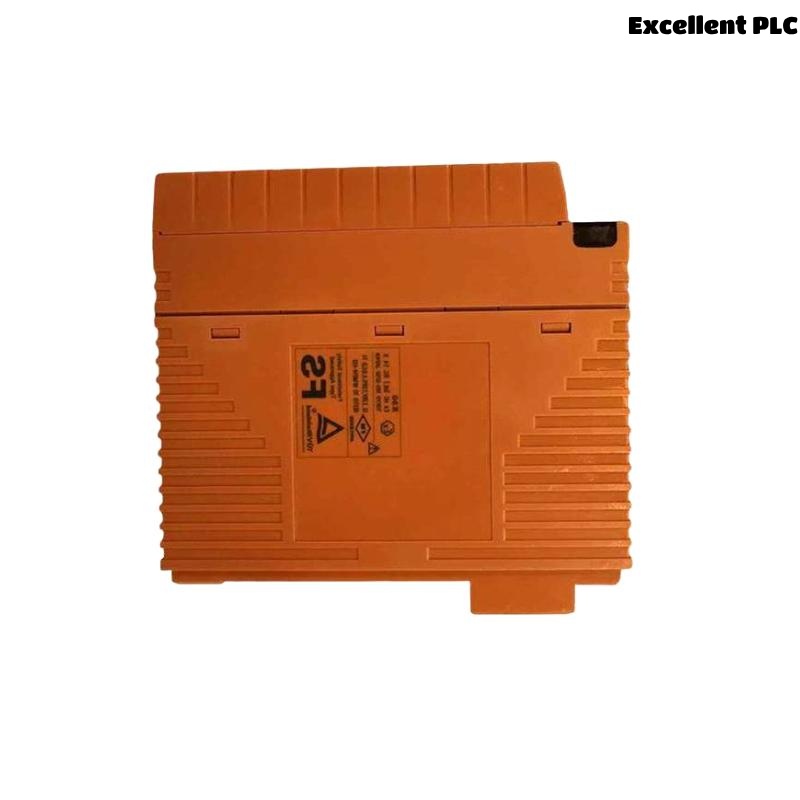
Yokogawa SNT511-13 communication faults are usually caused by network architecture issues, wiring defects, grounding problems, overloaded communication segments, or configuration mismatches rather than failure of the Bus Repeater Slave Module itself. Effective Fault Diagnosis requires understanding how communication behavior changes across the entire ESB network.
Contents
- SNT511-13 Communication Fault Symptoms
- How Repeater Faults Affect Control Systems
- Common SNT511-13 Failure Patterns
- Root Causes of SNT511-13 Communication Faults
- Fault Diagnosis Thinking Process
- Visual Inspection Techniques
- Communication Analysis Methods
- Network Structure Investigation
- System Configuration Troubleshooting
- SNT511-13 Troubleshooting Workflow
- Corrective Actions and Recovery
- Performance Monitoring After Repair
- Preventive Maintenance Practices
- Real Fault Diagnosis Case
- FAQ
SNT511-13 Communication Fault Symptoms
- Intermittent node communication loss
- Network timeout alarms
- Communication retries
- Controller connection delays
- Unexpected node disconnection
- Slow network response
Many of these symptoms occur before a complete communication failure develops.
How SNT511-13 Faults Affect Control Systems
Because the Bus Repeater Slave Module participates in network signal transmission, communication degradation may affect multiple control stations and remote nodes simultaneously.
Common SNT511-13 Failure Patterns
- Faults after network expansion
- Communication instability during peak load
- Random node disconnects
- Repeated timeout alarms
- Intermittent communication recovery
These patterns often indicate infrastructure problems rather than hardware defects.
Root Causes of SNT511-13 Communication Faults
- Incorrect cable termination
- Poor grounding
- Configuration mismatch
- Network overload
- Communication noise
- Improper shielding
- Address conflicts
SNT511-13 Fault Diagnosis Thinking Process
Experienced engineers rarely replace hardware immediately.
A more effective strategy is:
- Identify affected nodes.
- Review alarm chronology.
- Analyze network behavior.
- Inspect physical infrastructure.
- Validate System Configuration.
- Confirm hardware condition.
This process minimizes unnecessary spare part consumption.
Visual Inspection Techniques
- Check module indicators
- Inspect cable connectors
- Review cabinet conditions
- Verify grounding connections
- Inspect shielding integrity
Communication Analysis Methods
Network diagnostics often reveal hidden problems.
- Error counter analysis
- Retry trend evaluation
- Response time measurement
- Alarm history review
- Node communication testing
Network Structure Investigation
Communication failures frequently occur after modifications to the network.
- Review new node additions
- Inspect repeater allocation
- Verify communication paths
- Analyze traffic distribution
Overloaded segments can generate intermittent faults that resemble hardware failures.
System Configuration Troubleshooting
Configuration-related issues should always be reviewed.
- Node address verification
- Communication path validation
- Controller assignment checks
- Redundancy verification
SNT511-13 Troubleshooting Workflow
CHECK ALARM HISTORY
VERIFY NODE STATUS
ANALYZE ERROR COUNTERS
CHECK CABLE INTEGRITY
VERIFY CONFIGURATION
VALIDATE COMMUNICATION PATHS
CONFIRM ROOT CAUSE
Corrective Actions and Recovery
| Fault Symptom | Probable Cause | Corrective Action |
|---|---|---|
| Timeout Alarm | Poor termination | Inspect bus connections |
| Slow Communication | Network overload | Optimize traffic distribution |
| Node Offline | Address conflict | Correct configuration |
| Communication Retry | Electrical noise | Improve shielding |
| Intermittent Failure | Grounding issue | Verify earth continuity |
Performance Monitoring After Repair
- Latency monitoring
- Alarm trend analysis
- Error rate tracking
- Node availability assessment
- Communication stability verification
Preventive Maintenance Practices
- Periodic communication audits
- Cable inspection programs
- Grounding verification
- Configuration reviews
- Network performance trending
Real SNT511-13 Fault Diagnosis Case
A power generation facility reported repeated communication alarms affecting multiple remote I/O nodes.
Field measurements revealed:
- Network latency: 265 ms
- Communication retries: 430 per hour
- Ground resistance: 11.8 Ω
- No module hardware alarms
The maintenance team initially planned to replace the SNT511-13 module.
However, engineers noticed communication cables had been rerouted during a recent expansion project.
Further investigation found that the communication cable shared a tray with a high-current variable frequency drive output cable.
After relocating the communication cable and improving grounding:
- Latency dropped to 19 ms
- Retry count fell below 5 per hour
- Communication alarms disappeared
- System reliability returned to normal
We observed that electrical interference generated symptoms almost identical to a Bus Repeater Slave Module fault.
SNT511-13 Troubleshooting FAQ
Does a communication alarm always indicate module failure?
No. Most communication issues originate from wiring, grounding, configuration, or network architecture problems.
What should be checked first during Fault Diagnosis?
Alarm history, node communication status, cable integrity, and System Configuration should be reviewed before replacing hardware.
Can network expansion create communication faults?
Yes. Additional nodes and traffic loads can expose weaknesses in network design and cable infrastructure.
Summary: Effective Yokogawa SNT511-13 Troubleshooting requires structured Fault Diagnosis, communication analysis, infrastructure inspection, and System Configuration verification to accurately identify root causes and restore network stability.