 Excellent PLC


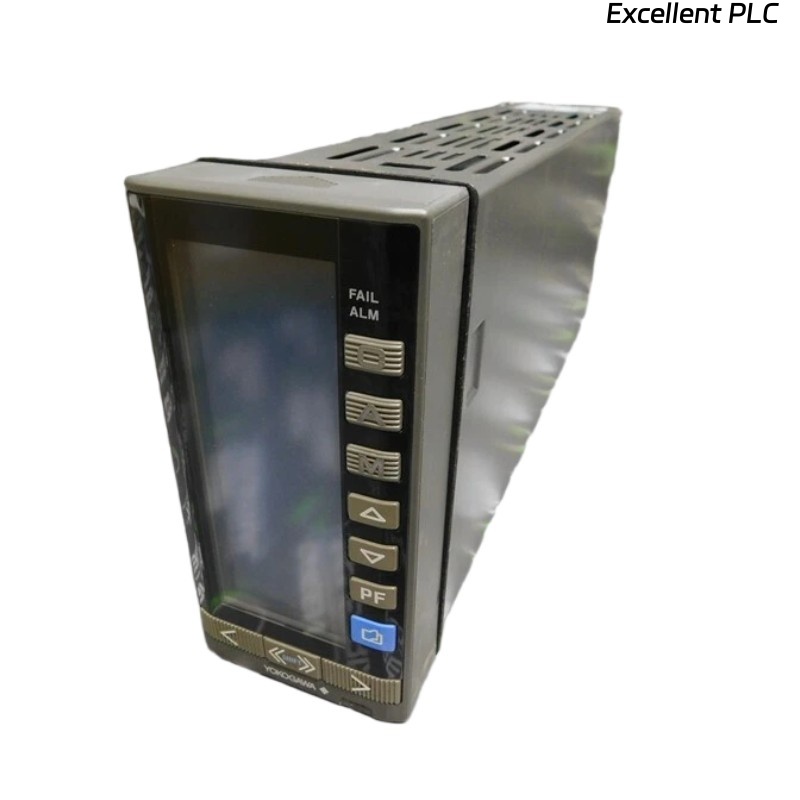
The Yokogawa YS170-012 S3 is a reliable PLC-style programmable controller widely used in industrial process control. However, improper configuration, wiring issues, or field signal problems may cause operational faults.
This article provides a systematic troubleshooting guide, helping engineers quickly identify root causes and restore stable operation.
1. No Control Output After Power-Up
Possible Causes:
-
Controller operating in Manual mode
-
Output signal range misconfigured
-
Incorrect wiring or broken output loop
Troubleshooting Steps:
-
Check control mode (AUTO / MANUAL)
-
Verify output range settings
-
Measure output current using a multimeter
2. Process Value (PV) Not Changing
Possible Causes:
-
Sensor failure or disconnected input
-
Wrong input signal type configured
-
Input scaling incorrect
Troubleshooting Steps:
-
Measure input signal directly at terminals
-
Verify input type (4–20 mA / 0–10 V)
-
Check scaling parameters
3. Unstable Control or Oscillation
Possible Causes:
-
PID parameters not properly tuned
-
Excessive process delay
-
Electrical noise on signal lines
Troubleshooting Steps:
-
Reduce proportional gain
-
Increase integral time
-
Improve cable shielding and grounding
4. Alarm Triggered Unexpectedly
Possible Causes:
-
Alarm limits set too close to operating range
-
No alarm delay configured
-
Incorrect scaling or sensor drift
Troubleshooting Steps:
-
Review alarm thresholds
-
Add alarm delay
-
Verify sensor accuracy
5. Controller Does Not Enter AUTO Mode
Possible Causes:
-
Interlock condition active
-
Output not synchronized before switching
-
Configuration lock enabled
Troubleshooting Steps:
-
Clear interlock signals
-
Match manual output to current control output
-
Unlock configuration if required
6. Output Saturated at 0% or 100%
Possible Causes:
-
Incorrect control action (direct / reverse)
-
Setpoint outside configured range
-
Output limits incorrectly set
Troubleshooting Steps:
-
Verify control action
-
Check setpoint limits
-
Review output limiting parameters
7. Communication or Display Abnormal
Possible Causes:
-
Power supply instability
-
Internal hardware fault
-
Environmental conditions exceeded
Troubleshooting Steps:
-
Check supply voltage
-
Inspect ambient temperature and humidity
-
Replace controller if hardware failure suspected
8. Field Engineering Checklist
Conclusion
The Yokogawa YS170-012 S3 programmable controller offers stable and accurate control when properly configured. Most issues can be resolved by systematically checking control mode, I/O configuration, PID tuning, and alarm settings.
By following this structured troubleshooting guide, engineers can significantly reduce downtime and ensure reliable long-term operation in industrial control systems.