 Excellent PLC


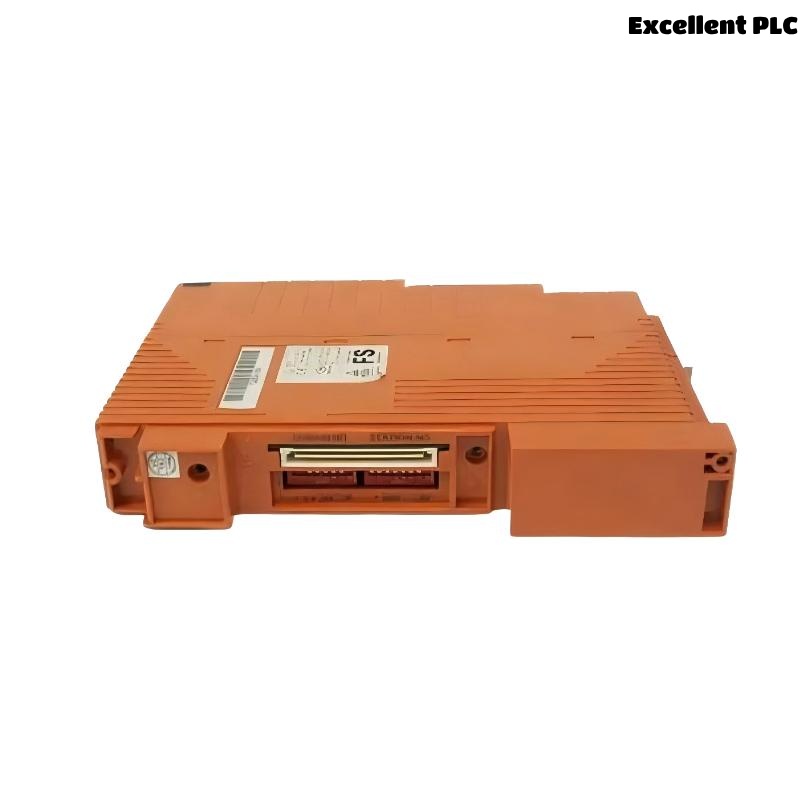
Yokogawa SCP401-11 Processor Module faults are most commonly associated with configuration inconsistencies, communication failures, database corruption, or power disturbances rather than processor hardware defects. Effective Troubleshooting requires systematic Fault Diagnosis to identify the true root cause before replacing the Processor Module.
Contents
- SCP401-11 Processor Module Fault Symptoms
- Impact of Processor Faults on Control Systems
- Typical Failure Patterns
- Common Causes of SCP401-11 Processor Module Faults
- Fault Diagnosis Strategy
- CPU Status Analysis
- Communication Fault Troubleshooting
- Database Integrity Investigation
- Power System Analysis
- Controller Resource Evaluation
- System Configuration Troubleshooting
- Diagnostic Workflow
- Recovery and Repair Actions
- Verification After Repair
- Preventive Maintenance Practices
- Real Fault Diagnosis Case
- FAQ
SCP401-11 Processor Module Fault Symptoms
- Controller remains in INIT mode
- Unexpected processor restart
- Communication interruption
- I/O update failure
- Watchdog alarms
- Database synchronization errors
Impact of Processor Faults on Control Systems
- Production interruptions
- Loss of operator visibility
- Alarm handling failures
- Control logic suspension
- Communication instability
Typical Failure Patterns
- Startup problems after maintenance
- Faults after software updates
- Intermittent CPU restarts
- Network-related communication losses
- Database synchronization issues
Common Causes of SCP401-11 Processor Module Faults
- Incorrect controller parameters
- Database inconsistencies
- Power supply instability
- Communication network faults
- Firmware incompatibility
- Backplane connection problems
- Resource overload conditions
Fault Diagnosis Strategy
Experienced field engineers avoid replacing the Processor Module immediately after a failure occurs.
The investigation should determine whether the fault originates from software, power systems, communication infrastructure, or processor hardware.
CPU Status Analysis
| CPU Status | Likely Cause |
|---|---|
| INIT | Configuration or database issue |
| STOP | Application execution fault |
| RESTART LOOP | Power instability |
| RUN | Normal operation |
Communication Fault Troubleshooting
- Inspect communication interfaces
- Verify network addresses
- Check cable integrity
- Review switch diagnostics
- Validate communication logs
Database Integrity Investigation
- Verify project revision
- Review download history
- Inspect synchronization records
- Validate configuration consistency
- Check recent modifications
Power System Analysis
- Measure supply voltage
- Inspect UPS events
- Review power quality logs
- Verify grounding integrity
Controller Resource Evaluation
- CPU utilization review
- Memory allocation analysis
- Task execution assessment
- Scan cycle monitoring
System Configuration Troubleshooting
- Verify controller IDs
- Review I/O assignments
- Validate communication settings
- Check firmware compatibility
- Inspect redundancy parameters
Diagnostic Workflow
CHECK CPU STATUS
REVIEW EVENT LOGS
VERIFY POWER QUALITY
CHECK COMMUNICATION LINKS
VALIDATE DATABASE
INSPECT CONFIGURATION
IDENTIFY ROOT CAUSE
Recovery and Repair Actions
- Restore backup database
- Correct configuration errors
- Repair communication infrastructure
- Update firmware revisions
- Replace damaged hardware if necessary
Verification After Repair
- Controller startup validation
- Communication testing
- I/O processing confirmation
- Alarm verification
- System integration testing
Preventive Maintenance Practices
- Routine database backups
- Periodic network inspections
- Power quality monitoring
- Formal change management procedures
Real Fault Diagnosis Case
A power generation facility experienced repeated SCP401-11 Processor Module watchdog alarms accompanied by intermittent controller restarts.
- CPU Utilization: 51%
- Memory Usage: 63%
- Communication Status: Stable
- Supply Voltage: Fluctuating between 22.6VDC and 24.0VDC
Maintenance personnel initially planned to replace the Processor Module. However, a detailed Fault Diagnosis process revealed a deteriorating DC power supply introducing voltage dips during peak system loading.
After replacing the power supply module:
- CPU operation stabilized
- Watchdog alarms disappeared
- Controller restarts stopped
- System reliability improved significantly
We observed that power-related issues frequently mimic processor hardware failures in industrial control systems.
SCP401-11 Troubleshooting FAQ
Does INIT status always indicate a faulty Processor Module?
No. INIT status is often caused by System Configuration errors, database problems, or startup sequence issues.
What should be checked first during Fault Diagnosis?
CPU status, communication health, power quality, and event logs should be reviewed before replacing hardware.
Can communication failures affect processor operation?
Yes. Communication faults can interrupt synchronization and prevent proper controller initialization.
Summary: Effective SCP401-11 Troubleshooting requires structured Fault Diagnosis, CPU status analysis, communication verification, database validation, and power quality assessment before Processor Module replacement is considered.