 Excellent PLC


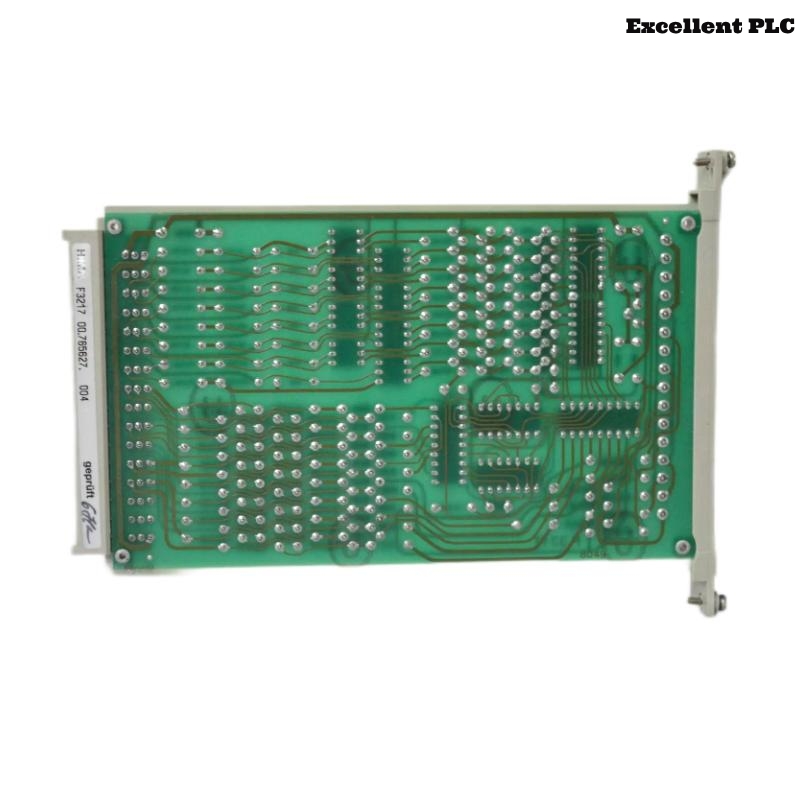
HIMA F3217 Installation & Setup Guide for H50 Safety System
Contents
- Overview of HIMA F3217 Module
- H50 Safety System Overview
- Installation Preparation
- Step-by-Step Setup
- Common Installation Issues & Tips
- Safety Notes & Best Practices
Overview of HIMA F3217 Module
The HIMA F3217 Module is a high-reliability safety I/O component used in functional safety PLC systems. It manages multiple input/output channels, ensuring emergency signals and safety-critical processes are correctly monitored. This guide provides engineers with complete instructions for installing and configuring the module in an H50 system.
H50 Safety System Overview
The H50 system is a robust functional safety platform widely applied in chemical, oil & gas, and industrial automation environments. Modules such as the F3217 enable high-availability safety functions, including emergency shutdowns and process monitoring, in compliance with IEC 61508 standards.
Installation Preparation
- Disconnect all power sources and apply ESD protection.
- Confirm cabinet temperature is within 0–45°C and humidity below 55%.
- Prepare tools: torque screwdriver (0.5–0.6 Nm), multimeter, and lint-free cloth.
- Ensure H50 configuration software is installed on your laptop and up-to-date.
Step-by-Step Setup
Module Mounting
- Locate the designated slot for F3217 in the H50 cabinet.
- Align the module rails with the cabinet guides and insert fully.
- Secure the module with screws or clamps, confirming proper seating and connector engagement.
Electrical Connections
- Connect input/output channels following the wiring diagram.
- Verify wire insulation, polarity, and separation between channels.
- Tighten terminal screws to 0.5–0.6 Nm.
- Connect power and check that voltage meets H50 system specifications.
- Properly ground the module to minimize EMI interference.
Software Detection & Configuration
H50_TOOL>SCAN_MODULES
F3217 detected in slot 7

H50_TOOL>MODULE=F3217
SHOW_MODULE_INFO
Verify firmware version and readiness for H50 system configuration. Document module ID and slot for records.
Firmware Verification & Channel Setup
H50_Update.exe --module=F3217 --firmware=V2.9.0
Configure all channels according to project specifications. Save configuration and download to the module.
Initial Power-On & Functional Validation
- Power on the cabinet and check LEDs; green indicates normal operation.
- Measure module voltages with a multimeter.
- Use H50 software to confirm all channels are online and responding correctly.
- Document functional test results for each channel.
Common Installation Issues & Tips
- Loose terminals can lead to intermittent signals; retighten as necessary.
- Incorrect wiring polarity may prevent module detection.
- Environmental conditions (temperature, humidity, EMI) may affect performance.
Safety Notes & Best Practices
- Follow IEC 61508 and local safety regulations.
- Always disconnect power before performing wiring tasks.
- Keep installation, configuration, and functional test records.
- Regularly update firmware/software to ensure functional safety compliance.