 Excellent PLC


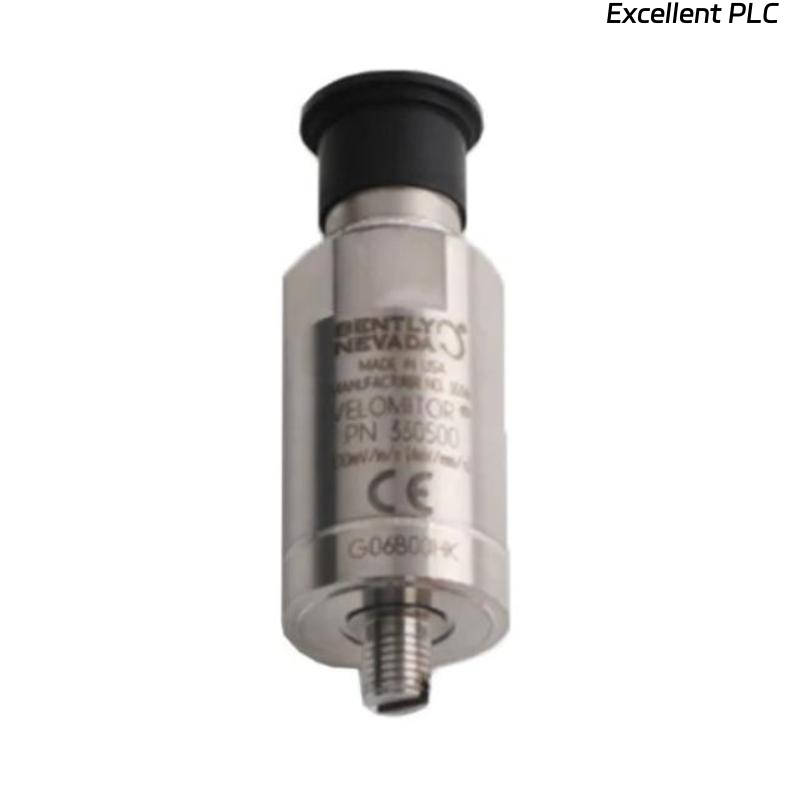
Table of Contents
- 200350-02-00-00 Accelerometer Installation Overview
- Installation Orientation and Measurement Strategy
- Mechanical Mounting and Surface Preparation
- Cable Installation and Signal Protection
- System Configuration and Scaling Setup
- Commissioning Workflow and Baseline Setup
- Real Installation Case
- Installation FAQ
- Final Engineering Summary
200350-02-00-00 Accelerometer Installation Overview
Bently Nevada 200350-02-00-00 accelerometer installation quality directly determines vibration data reliability. In field practice, more than half of inaccurate readings are caused by improper mounting orientation or weak mechanical coupling rather than sensor defects.
This Installation Guide focuses on correct sensor positioning, mounting rigidity, and system commissioning to ensure accurate vibration monitoring in rotating equipment.
Installation Orientation and Measurement Strategy
- Install along the dominant vibration direction (horizontal, vertical, or axial)
- For pumps: horizontal direction near bearing is typically critical
- For motors: both horizontal and axial monitoring recommended
- Avoid arbitrary installation angles which distort amplitude readings
Mechanical Mounting and Surface Preparation
- Use stud mounting for permanent installation
- Ensure metal-to-metal contact (remove paint, rust, grease)
- Surface flatness should be within 0.05 mm
- Apply proper torque (typically 3–5 Nm)
  // Mounting Validation
  IF Surface_Painted OR Uneven THEN
      Polish_Surface();
  ELSE
      Apply_Stud_Torque();
  END_IF;
Cable Installation and Signal Protection
- Use low-noise shielded cable for accelerometer signals
- Fix cable near sensor to avoid vibration-induced noise
- Ground shield at control system end only
- Separate from inverter or motor power cables
System Configuration and Scaling Setup
- Set sensitivity (e.g., 100 mV/g or per datasheet)
- Configure input type in monitoring system (Acceleration or Velocity)
- Adjust alarm thresholds based on machine baseline data
- Integrate into PLC Controller or Bently monitoring system
Commissioning Workflow and Baseline Setup
- Check sensor bias voltage (~ -10V typical)
- Record baseline vibration under no-load condition
- Verify frequency spectrum (no abnormal harmonics)
- Run machine at different loads and compare repeatability
Real Installation Case
In one blower system installation, abnormal vibration readings appeared immediately after setup:
- Measured: 10.6 mm/s RMS
- Expected: below 4 mm/s
We observed that the sensor was mounted in axial direction while the dominant vibration was radial. After correction:
- Reinstalled sensor in horizontal direction
- Improved cable fixation
Result:
- Reading dropped to 3.5 mm/s
- Trend stabilized across operating conditions
Installation FAQ
Does installation direction really matter?
Yes. Incorrect orientation can lead to under-reporting or over-reporting vibration amplitude.
Can I mount on painted surfaces?
No. Paint reduces stiffness and introduces measurement error. Always mount on bare metal.
Why is my signal noisy after installation?
Most likely due to poor cable routing or lack of shielding. Check grounding and EMI sources.
Final Engineering Summary
The Bently Nevada 200350-02-00-00 Installation Guide emphasizes correct orientation and rigid mounting as the foundation of accurate vibration monitoring. Proper wiring and system configuration further ensure stable long-term operation.