 Excellent PLC


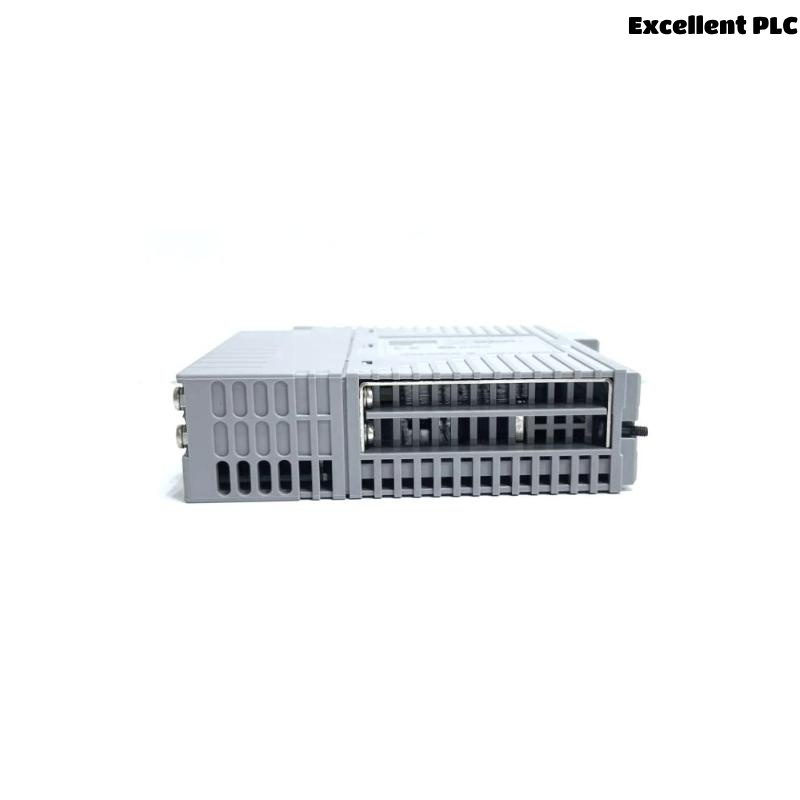
The Yokogawa ADV559 Digital Output Module is designed to provide stable and high-speed discrete output control for industrial automation systems. When an output fault occurs, the root cause is often related to field wiring, external power supplies, connected devices, or controller configuration rather than the module itself. A systematic Troubleshooting procedure allows maintenance engineers to identify the real cause efficiently, reduce downtime, and avoid unnecessary hardware replacement.
Contents
- 1. Understanding ADV559 Output Failures
- 2. Common Fault Symptoms
- 3. Typical Causes of Output Failure
- 4. Controller Logic Verification
- 5. Module Status Inspection
- 6. Output Voltage Measurement
- 7. Field Device Load Inspection
- 8. Wiring and Terminal Diagnosis
- 9. External Power Supply Verification
- 10. System Configuration Review
- 11. Recommended Troubleshooting Workflow
- 12. Corrective Actions
- 13. Functional Recovery Testing
- 14. Preventive Maintenance
- 15. Real Industrial Case Study
- 16. Frequently Asked Questions
Understanding ADV559 Output Failures
Digital output failures rarely originate from internal electronics alone. Most field service reports indicate that output problems are caused by poor electrical connections, damaged field devices, voltage loss, or incorrect engineering configuration.
A complete diagnosis should follow the entire signal path from the controller program to the connected actuator.
Common Fault Symptoms
- Output LED is ON but no field response
- Relay chatters during operation
- Solenoid valve cannot energize
- Motor starter fails to activate
- Alarm output remains inactive
- Intermittent output switching
- Unexpected shutdown signals
Typical Causes of Output Failure
- Loose terminal connections
- Incorrect field wiring
- External fuse failure
- Relay coil damage
- Power supply instability
- Cable insulation damage
- Incorrect output mapping
- Ground loop interference
Controller Logic Verification
The controller should always be verified before replacing hardware.
- Review sequence execution
- Check permissive conditions
- Verify operator commands
- Inspect output tag status
- Confirm logic execution timing
Module Status Inspection
- Verify RUN indicator
- Observe output channel LEDs
- Review controller diagnostics
- Inspect communication status
- Check rack health information
Output Voltage Measurement
| Measured Result | Possible Interpretation |
|---|---|
| 24 VDC Stable | Module output functioning normally |
| 0 VDC | Controller command absent or open circuit |
| 10–18 VDC | Voltage drop caused by excessive resistance or overload |
| Rapid fluctuation | Loose terminal or unstable power supply |
Always measure voltage at both the module output terminal and the connected field device while the load is energized. This comparison helps identify hidden voltage losses within the wiring system.
Field Device Load Inspection
Many output faults originate from the connected equipment instead of the Digital Output Module.
- Measure relay coil resistance
- Inspect solenoid current
- Verify contactor operation
- Check suppression devices
- Inspect actuator wiring
Wiring and Terminal Diagnosis
- Verify cable continuity
- Inspect terminal tightness
- Check conductor polarity
- Review marshalling cabinet wiring
- Inspect junction boxes
- Confirm common return conductors
External Power Supply Verification
A healthy output module cannot operate correctly if the external DC supply is unstable or incorrectly distributed.
- Measure supply voltage under load
- Inspect DC distribution panels
- Verify protective fuses
- Check common negative connections
- Observe voltage during switching
System Configuration Review
- Verify output channel assignments
- Review engineering database
- Check process tag mapping
- Confirm project download status
- Inspect controller parameters
Recommended Troubleshooting Workflow
VERIFY CONTROLLER COMMAND
CHECK MODULE STATUS
MEASURE OUTPUT VOLTAGE
VERIFY FIELD POWER
INSPECT WIRING
CHECK OUTPUT LOAD
VERIFY SYSTEM CONFIGURATION
IDENTIFY ROOT CAUSE
PERFORM FUNCTION TEST
This diagnostic sequence minimizes maintenance time while ensuring that every part of the output circuit is evaluated systematically.
Corrective Actions
- Repair damaged wiring
- Replace defective terminal blocks
- Correct controller configuration
- Replace damaged relay coils
- Repair unstable power circuits
- Replace the ADV559 module only after external causes have been eliminated
Functional Recovery Testing
- Execute repeated switching tests
- Confirm relay response
- Observe valve movement
- Review controller diagnostics
- Monitor continuous plant operation
Preventive Maintenance
Regular preventive inspections significantly reduce unexpected digital output failures and extend equipment service life.
- Inspect terminals every six months
- Measure output voltage periodically
- Review diagnostic records
- Verify cabinet grounding annually
- Maintain controller backups
Real Industrial Case Study
During maintenance at a petrochemical processing facility, operators reported that four emergency isolation valves connected to an ADV559 Digital Output Module failed to respond during a scheduled functional test.
The controller reported normal communication, and the module output LEDs illuminated correctly when commands were issued. Voltage measured at the ADV559 output terminals remained stable at approximately 24.2 VDC.
However, measurements taken directly at the valve solenoids showed only 9.8 VDC while energized.
Engineers inspected the field wiring and discovered corrosion inside an outdoor junction box. Moisture intrusion had increased conductor resistance, creating excessive voltage loss between the marshalling cabinet and the field devices.
After replacing the damaged terminals and installing new weather-resistant cable glands:
- Valve operating voltage returned to approximately 24 VDC.
- All emergency isolation valves responded immediately.
- No additional output alarms occurred during 120 hours of continuous monitoring.
- The ADV559 Digital Output Module remained fully operational and required no replacement.
This case demonstrates the importance of measuring voltage throughout the complete output circuit rather than relying solely on measurements taken at the module.
Frequently Asked Questions
Why is the output LED illuminated while the field device remains inactive?
This condition usually indicates external wiring defects, excessive voltage drop, insufficient field power, or a failed load instead of an internal module malfunction.
What should be inspected before replacing an ADV559 module?
Verify controller logic, output voltage, external power supplies, field wiring, connected devices, grounding integrity, and System Configuration before considering hardware replacement.
How can intermittent output failures be prevented?
Routine inspection of terminals, cable insulation, grounding systems, relay loads, and DC power distribution helps prevent intermittent faults and improves long-term system reliability.
Summary: Effective troubleshooting of the Yokogawa ADV559 Digital Output Module requires a structured engineering approach that combines controller verification, electrical measurements, wiring inspection, load analysis, and configuration validation. Identifying the actual root cause before replacing hardware reduces maintenance costs, shortens downtime, and ensures reliable digital output performance in critical industrial applications.