 Excellent PLC


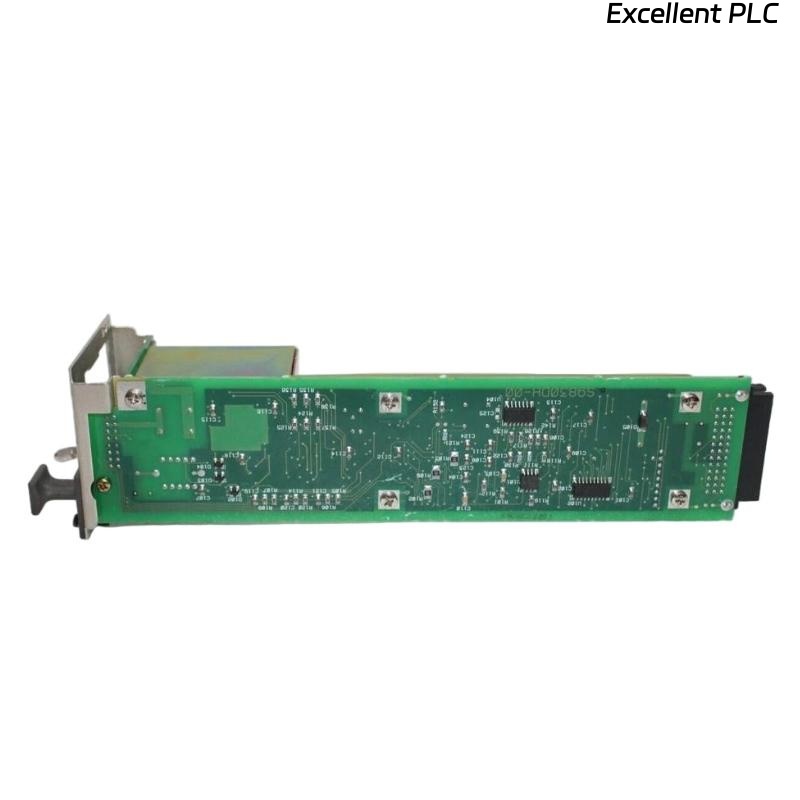
The Yokogawa AIP512 V-Net Coupler Module is a critical communication interface used in Yokogawa CENTUM VP Distributed Control Systems (DCS). It provides deterministic communication between the Field Control Unit (FCU) and the Yokogawa V-Net control network, ensuring continuous data exchange among controllers, operator stations, engineering workstations, historians, and remote I/O systems. Communication failures involving the AIP512 may result in controller isolation, process data loss, engineering access failures, or degraded redundant network performance. A structured troubleshooting procedure helps maintenance personnel rapidly identify the root cause and restore reliable network communication.
Contents
- 1. Understanding V-Net Communication Faults
- 2. Common Failure Symptoms
- 3. Typical Causes of Communication Failures
- 4. Initial Hardware Inspection
- 5. Power Supply Verification
- 6. V-Net Cable Diagnostics
- 7. Network Configuration Verification
- 8. Diagnostic Log Analysis
- 9. Recommended Troubleshooting Workflow
- 10. Corrective Actions
- 11. Communication Recovery Verification
- 12. Preventive Maintenance
- 13. Real Industrial Maintenance Case
- 14. Frequently Asked Questions
Understanding V-Net Communication Faults
The AIP512 acts as the communication gateway between the FCU and the Yokogawa V-Net network. Most communication failures originate from loose connectors, damaged communication cables, incorrect controller configuration, network topology problems, or power supply instability rather than internal hardware defects.
Common Failure Symptoms
- Field Control Unit not visible on the V-Net.
- Engineering station cannot communicate with the controller.
- Operator stations lose process data updates.
- Intermittent controller communication.
- V-Net communication alarms appear.
- Redundant communication path unavailable.
- Remote I/O communication interruptions.
- Status LEDs indicate abnormal operation.
Typical Causes of Communication Failures
- Loose V-Net communication connectors.
- Damaged communication cable.
- Incorrect node address configuration.
- Network configuration mismatch.
- Power supply instability.
- Electromagnetic interference.
- Backplane connection problems.
- Internal AIP512 hardware failure.
Initial Hardware Inspection
- Verify the module is completely seated.
- Inspect communication connectors.
- Check cable locking mechanisms.
- Inspect module LEDs.
- Verify cabinet grounding.
Power Supply Verification
- Measure FCU input voltage.
- Verify stable power during operation.
- Inspect redundant power supplies.
- Review controller power diagnostics.
- Correct any power abnormalities before communication testing.
V-Net Cable Diagnostics
- Verify cable continuity.
- Inspect connectors for contamination.
- Check communication cable shielding.
- Replace damaged cables.
- Verify redundant communication channels.
Network Configuration Verification
- Verify controller node address.
- Check V-Net domain configuration.
- Confirm engineering database consistency.
- Verify Remote I/O communication parameters.
- Review redundancy configuration.
Diagnostic Log Analysis
| Observed Condition | Possible Diagnosis |
|---|---|
| Controller offline | Communication cable disconnected or incorrect configuration |
| Intermittent communication | Loose connector or cable degradation |
| Redundancy unavailable | Secondary communication path failure |
| Communication alarms | Network interruption or synchronization fault |
| Slow process updates | Communication congestion or unstable network |
Recommended Troubleshooting Workflow
VERIFY POWER SUPPLY
CHECK MODULE INSTALLATION
INSPECT V-NET CABLES
VERIFY NETWORK CONFIGURATION
CHECK REDUNDANT COMMUNICATION
REVIEW SYSTEM DIAGNOSTICS
ISOLATE COMMUNICATION FAULT
IMPLEMENT CORRECTIVE ACTION
VERIFY COMMUNICATION RECOVERY
MONITOR LONG-TERM STABILITY
Corrective Actions
- Reconnect loose communication cables.
- Replace damaged connectors.
- Repair or replace defective V-Net cables.
- Correct controller configuration parameters.
- Restore stable power supplies.
- Reload communication configuration if required.
- Replace the AIP512 only after verifying internal hardware failure.
Communication Recovery Verification
- Verify controller visibility on V-Net.
- Confirm engineering station communication.
- Verify operator station access.
- Test Remote I/O communication.
- Verify redundancy switchover.
- Confirm communication alarms have cleared.
Preventive Maintenance
- Inspect communication connectors periodically.
- Verify cable integrity.
- Clean communication interfaces.
- Review communication diagnostic logs.
- Perform scheduled redundancy testing.
Real Industrial Maintenance Case
Following a plant turnaround, operators reported that one newly installed Field Control Unit repeatedly disappeared from the Yokogawa V-Net.
Investigation determined that a V-Net communication connector on the AIP512 had not been fully locked into position, resulting in intermittent communication and repeated controller reconnection.
After securing the connector:
- Stable controller communication was restored.
- Engineering stations maintained continuous access.
- Operator stations displayed uninterrupted process values.
- Redundant communication diagnostics returned to normal.
Frequently Asked Questions
Why does the controller disappear from the V-Net?
The most common causes are loose communication connectors, damaged V-Net cables, incorrect controller configuration, or unstable power supplies.
Can communication cable problems create intermittent faults?
Yes. Damaged cables or partially engaged connectors frequently cause intermittent communication interruptions and repeated controller reconnection.
When should the AIP512 be replaced?
The module should only be replaced after verifying correct power supply, communication cabling, network configuration, connector integrity, and confirming an internal hardware fault through diagnostic testing.
Summary
Effective troubleshooting of the Yokogawa AIP512 V-Net Coupler Module requires systematic inspection of power supplies, communication connectors, V-Net cables, network configuration, redundancy status, and diagnostic information. Following a structured troubleshooting methodology minimizes controller downtime, restores reliable network communication, and maintains the high availability required for Yokogawa CENTUM VP Distributed Control Systems.