 Excellent PLC


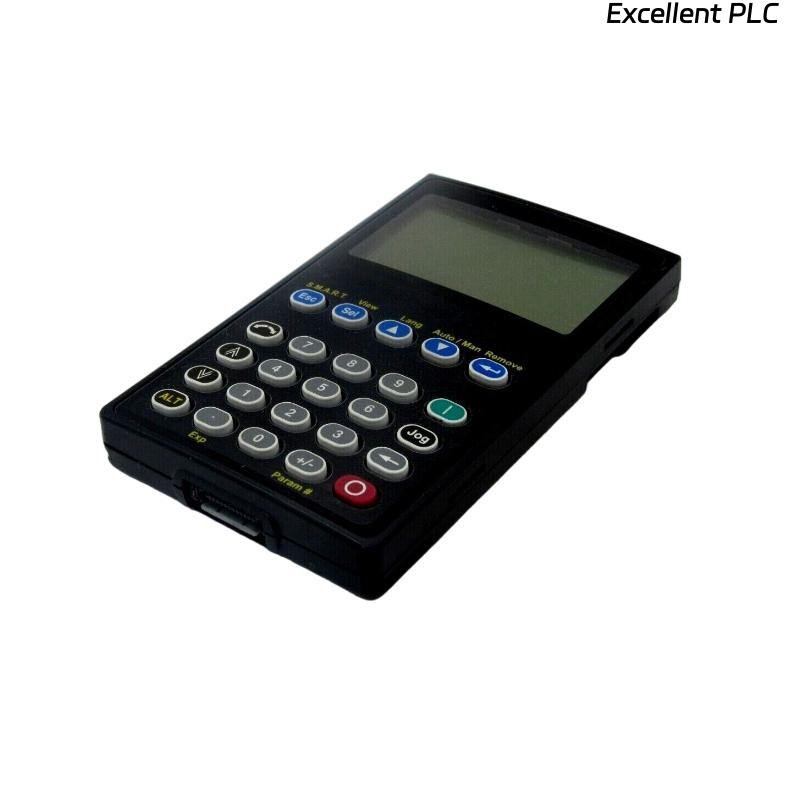
I recently encountered a 20-HIM-A3 Human Interface Module in a production line where the HMI appeared completely blank, but the PLC continued running normally. This scenario is tricky because the module is functional internally, yet the display does not provide any feedback to operators.
The first check I performed was power and backlight verification. The HIM-A3 has an internal LED backlight circuit; even if the PLC powers the module correctly, a failed backlight or contrast issue can make the screen appear blank. In this case, adjusting the brightness/contrast via the module’s configuration interface restored partial visibility.
Next, I examined the communication link between the HMI and the controller. The 20-HIM-A3 communicates via DH-485 or Ethernet, depending on the system setup. A loose cable or intermittent connector can prevent the display from receiving updates, even though the PLC logic continues executing. Ensuring tight connections immediately improved screen responsiveness.
Another factor is firmware or display driver glitches. According to the Allen-Bradley 20-HIM-A3 User Manual (2017), unexpected display blanking can occur after power cycles or network disturbances. Performing a module reset through RSView or FactoryTalk View often resolves transient display faults without affecting PLC operation.
Environmental factors also matter. I noticed that high ambient temperatures or direct sunlight on the screen can temporarily wash out the display, making it seem non-functional. Relocating the operator panel or shading it solved this in several installations.
Finally, if the display remains blank after these checks, it could indicate internal LCD panel failure, though rare. In such cases, replacement is the recommended course of action.
Practical insight: When a 20-HIM-A3 HMI appears blank but the PLC is still running, always verify power, communication, contrast, and reset the module before considering hardware replacement. Most “blank screen” issues are not actual module failures.
References:
-
Rockwell Automation. 20-HIM-A3 Human Interface Module User Manual, 2017.
-
Rockwell Automation. HMI Troubleshooting and Best Practices, 2018.