 Excellent PLC


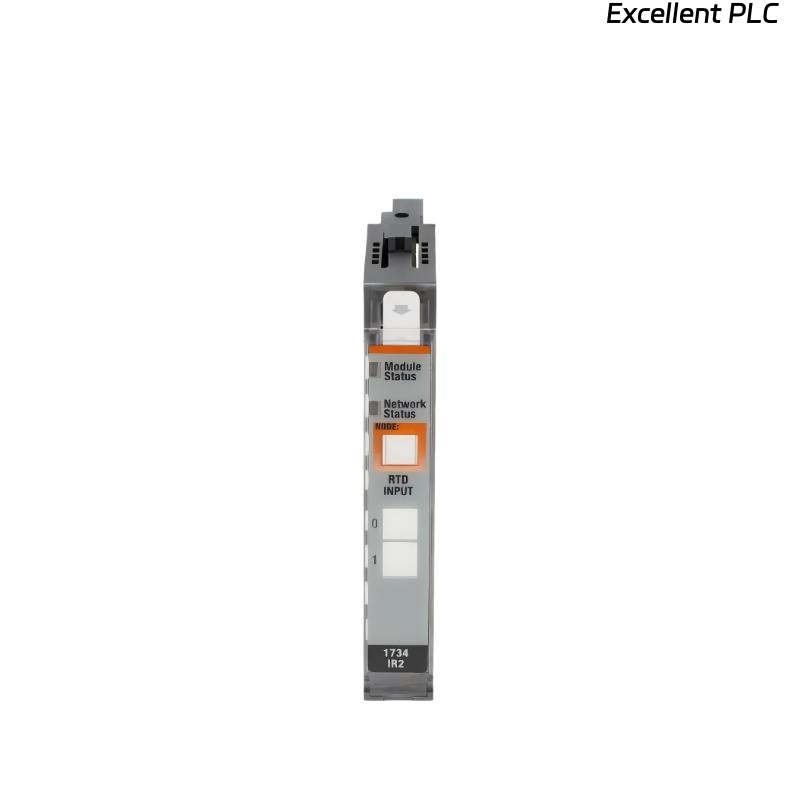
The 1734-IE2V is a Flex I/O analog voltage input module designed for ControlLogix and CompactLogix systems. It reads field analog signals ranging from 0–10V DC, converting them into digital values for the PLC to process.
Module Operation Basics
The module continuously samples input voltages on its channels. Each channel has an analog-to-digital converter (ADC) that translates the voltage into a 16-bit integer value. The PLC then reads these digital values to monitor process variables such as temperature, pressure, or flow.
Channel Isolation and Signal Conditioning
Each input channel is electrically isolated to prevent ground loops or cross-talk. In the field, I always recommend using shielded twisted-pair cabling to reduce noise, especially in industrial environments with motors or variable frequency drives nearby.
Data Communication
The 1734-IE2V communicates via the Flex I/O backplane to the Local I/O adapter (like 1794-IE or 1734-AENTR). The module updates the input data at a user-defined scan rate, typically a few milliseconds per channel. In real-world applications, this allows the PLC to react in near real-time to analog changes.
Field Engineer Insights
-
Ensure proper input voltage ranges; exceeding 10V DC may damage the module.
-
Watch the status LEDs: each channel has an indicator for wiring errors or open circuits.
-
Always configure the module correctly in Studio 5000 or RSLogix 5000, matching physical wiring to channel addresses.
Practical tip: The module operates continuously, converting and sending data to the PLC. Miswiring or incorrect configuration is the most common reason for inaccurate readings rather than module failure.
References:
-
Rockwell Automation. 1734-IE2V Analog Input Module User Manual, 2020.
-
Rockwell Automation. Flex I/O System User Manual, 2019.