 Excellent PLC


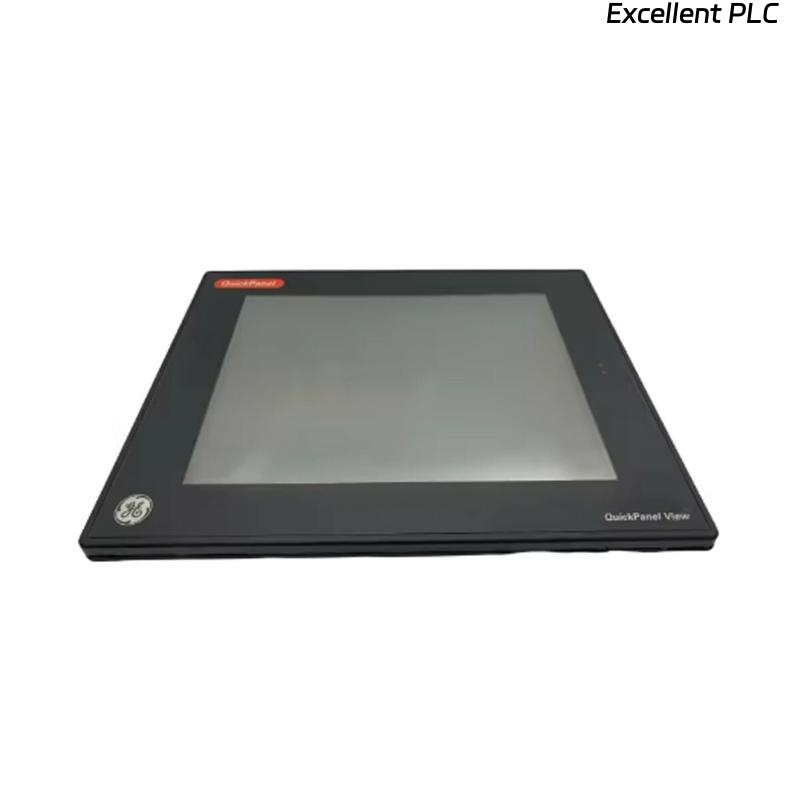
The GE IC754VSI12CTD is a 12-inch operator interface terminal for Mark VIe and IC600 PLC systems. It provides HMI visualization, operator input, and process control interaction. Proper installation and configuration are essential for reliable operation.
Physical Installation
-
Mount the terminal in a panel cutout, using the factory-provided mounting brackets and screws.
-
Ensure ventilation clearance around the HMI to prevent overheating.
-
Follow ESD precautions when handling the terminal.
Field insight: Misaligned panels or over-tightened screws can stress the LCD and cause premature backlight failure.
Electrical Connections
-
Connect 24V DC power to the terminal, observing correct polarity.
-
Attach the communication cable to the PLC network. Depending on your system, this can be Ethernet or serial RS-232/485.
-
Verify that connectors are secure and stress-free.
Software Configuration and Code Example
After powering the HMI, configure it using Workbench or Proficy Machine Edition:
-
Set PLC slot number and network address.
-
Download a basic project to test communication.
Example: Basic HMI Logic for a Digital Input
-
DI1represents a digital input from the PLC. -
LED1is a screen object on the HMI that mirrors the input state.
Field tip: Always test one input/output first to verify connectivity before deploying a full project.
Testing and Verification
-
Observe HMI status LEDs: power, communication, and fault indicators.
-
Verify input/output updates in real-time.
-
Navigate through screens to confirm proper rendering and control response.
References:
-
GE Digital. IC754VSI12CTD HMI Terminal Installation Manual, 2019.
-
GE Digital. Mark VIe HMI Programming Guide, 2018.