 Excellent PLC


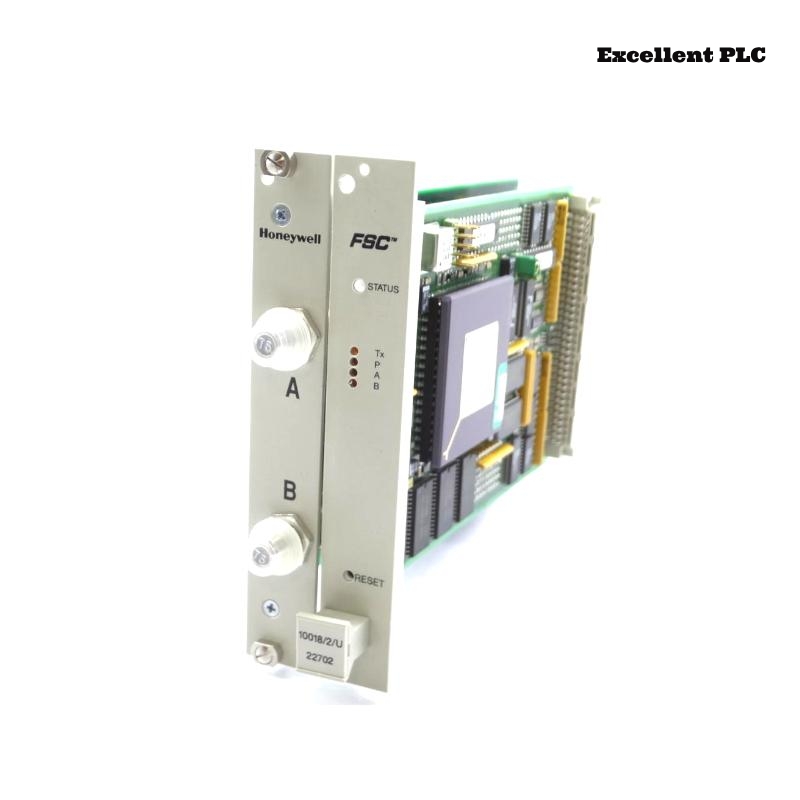
I’ve worked on multiple Honeywell FSC systems, and the 10018/E/1 Ethernet module is a key part for connecting Safety Manager nodes to the plant network. Here’s how I usually handle installation in the field.
Preparing the Module and Rack
Before anything, I power down the PLC rack completely. Hot-insertion of Ethernet modules is risky; the logic node can freeze if the board powers up mid-insertion.
I also inspect the connector pins and module housing. Dust or slight corrosion can prevent proper alignment with the backplane. A gentle push until the module clicks ensures full engagement.
Field tip: Never force the module; the backplane is sensitive, and even small misalignment can make the system fail to recognize the board.
Connecting Ethernet and Cabling
-
Attach the Ethernet cable to the FSC port. If using a redundant network, connect both paths correctly—misplaced cables cause subtle, intermittent errors.
-
Ground the cable shield at the cabinet, not at the module.
-
Avoid cable tension or sharp bends; this module is sensitive to mechanical stress.
For replacement Ethernet cables or accessories, I often source from reliable suppliers like ExcellentPLC:
👉 https://www.excellentplc.com/
Power-Up and LED Verification
After powering the rack:
-
Module performs self-test, LEDs flash
-
Standby LED blinks slowly
-
Active link LED turns solid green when the controller recognizes it
Amber or blinking red usually indicates configuration mismatch or poor seating.
Configuration and Simple Code Example
Once physically installed, configure the module using Safety Manager or Experion tools:
-
Assign the module to the correct slot number
-
Select network mode (redundant/non-redundant)
-
Ensure firmware matches the controller
Here’s a simple example for monitoring a digital input and triggering an output:
-
DI_ETH_01→ digital input read via 10018/E/1 -
DO_ETH_01→ output controlled through the module
Practical insight: Always start with one channel to confirm communication before scaling up.
Final Validation
-
Check LEDs are stable and error-free
-
Monitor error counters for 10–15 minutes
-
Inspect cabling and connectors for mechanical stress
This step prevents subtle intermittent communication errors that often appear days later.
References:
-
Honeywell. 10018/E/1 Ethernet Module Installation Manual, 2020
-
Honeywell. FSC Safety Manager System Guide, 2019