 Excellent PLC


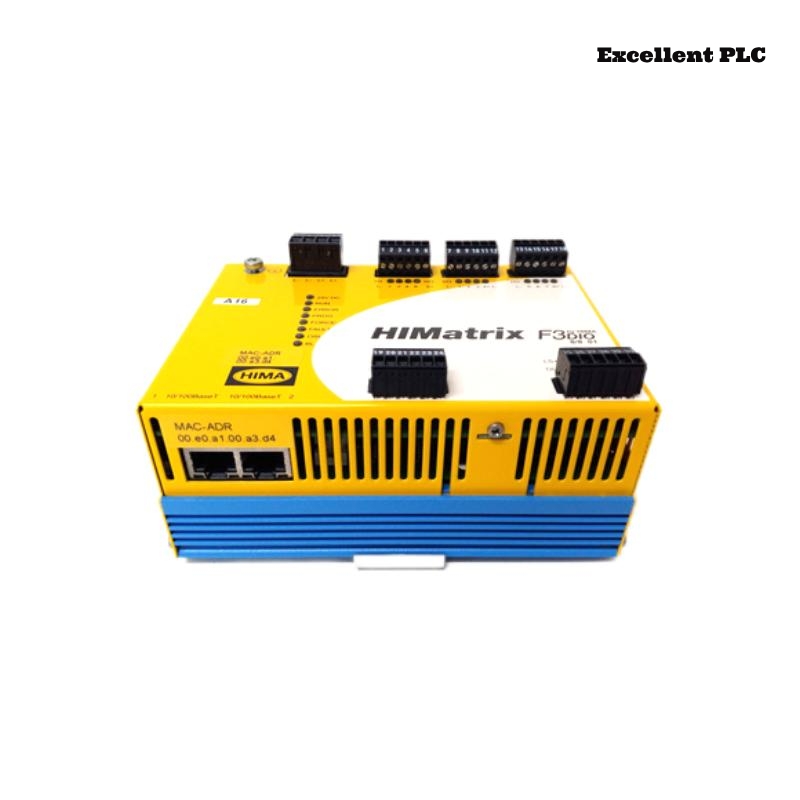
Explore how to troubleshoot terminal corrosion on the HIMA F3 DIO 8/8 01 remote I/O module. Detailed fault analysis, repair steps, and preventive measures for reliable operation.
Overview
The HIMA F3 DIO 8/8 01 module is often deployed in outdoor or semi-exposed control cabinets. Prolonged exposure to humidity and condensation can result in corrosion at the terminal connections, leading to unstable digital signals. This case study documents a field incident and the corrective steps taken.
Fault Phenomenon
Operators reported intermittent alarms on multiple digital output channels. Certain actuators failed to respond to control signals, while others operated sporadically. Visual inspection showed that the module’s power and status LEDs were normal, but signal readings fluctuated unpredictably on the HMI.
Measurements with a multimeter indicated high resistance at specific output terminals, confirming poor electrical contact.
Cause Analysis
Further examination revealed oxidation and minor corrosion on the terminals caused by condensation inside the cabinet. The corrosion disrupted signal continuity, producing intermittent faults. The affected terminals had no protective coating, and the cabinet’s humidity control was temporarily offline due to maintenance.
Troubleshooting / Solution
-
Shut down module power and isolate all affected outputs.
-
Remove the terminal screws and clean all contact surfaces using a fine abrasive brush and isopropyl alcohol.
-
Apply anti-corrosion terminal grease to protect against future oxidation.
-
Reassemble the connections and tighten to manufacturer-recommended torque values.
-
Restore power and verify that all digital outputs operate normally via HMI diagnostics.
Post-repair monitoring over a 3-hour period confirmed stable operation with no further signal fluctuations.
Preventive Recommendations
-
Inspect remote I/O cabinets for condensation or water ingress regularly.
-
Apply protective coatings or grease to vulnerable terminals in high-humidity environments.
-
Ensure humidity control devices (dehumidifiers, heaters) are operational.
-
Include terminal inspection in routine maintenance schedules to detect early signs of corrosion.