 Excellent PLC


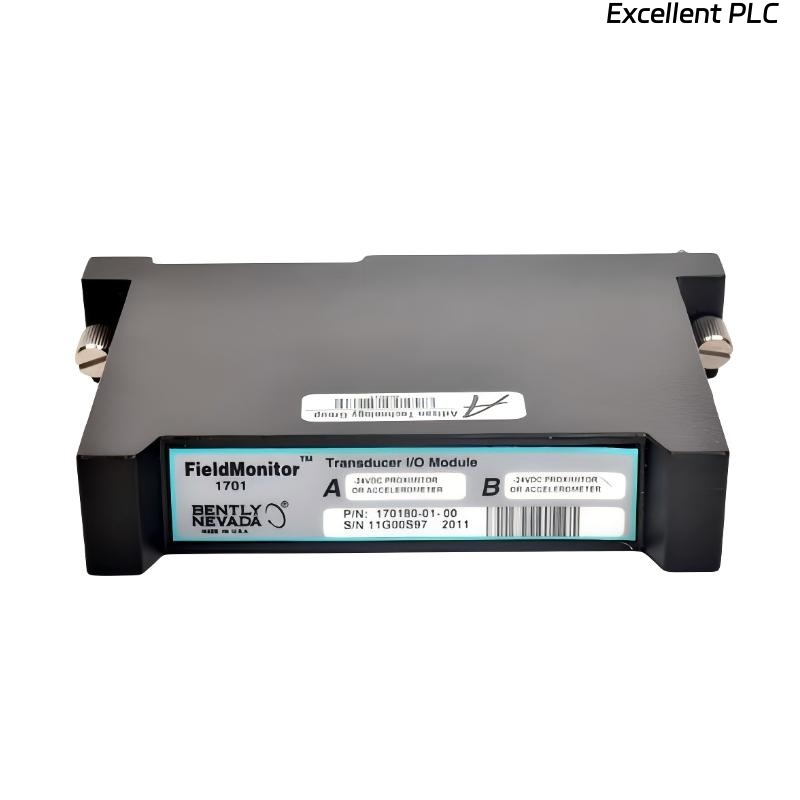
Table of Contents
- Bently Nevada 170180-01-00 Installation Guide Entry
- Role of External Transducer I/O Module in FieldMonitor Systems
- System Architecture and Signal Flow Design
- Transducer Wiring and Channel Allocation Strategy
- Power Supply and Signal Integrity Check
- Commissioning and Multi-Sensor Validation
- FAQ
- Technical Summary
Bently Nevada 170180-01-00 Installation Guide Entry
Bently Nevada 170180-01-00 external transducer I/O module installation failures are typically caused by incorrect sensor wiring or mismatched signal types rather than module faults, leading to missing or distorted vibration data.
This Installation Guide focuses on correct transducer integration and stable system configuration within FieldMonitor systems.
Role of External Transducer I/O Module in FieldMonitor Systems
- Interfaces external sensors (proximity probes, accelerometers, velocity sensors)
- Supports dual-channel signal acquisition
- Transfers conditioned signals to monitoring modules
The module acts as the signal bridge between field devices and monitoring systems. :contentReference[oaicite:0]{index=0}
System Architecture and Signal Flow Design
- Sensor → I/O Module → Monitoring Module → PLC/System
- Supports 2-channel input configuration
- Typical output signal: 0–10 VDC
Engineering Insight: Mixing different sensor types on the same module without configuration adjustment leads to signal misinterpretation.
Transducer Wiring and Channel Allocation Strategy
- Assign Channel A and Channel B based on sensor type
- Verify sensor output type (e.g., -24V proximitor or mV accelerometer)
- Use shielded cables for all signal lines
- Maintain separation from power cables
Incorrect wiring is the most common installation error.
IF no signal:
    check sensor power supply
    verify wiring continuity

IF signal abnormal:
    confirm sensor type compatibility
    check input channel configuration

IF noisy signal:
    inspect grounding and shielding
Power Supply and Signal Integrity Check
- Verify supply voltage: 24V DC ±20%
- Measure input signal stability
- Check current consumption (~20 mA typical)
Stable power ensures reliable signal conditioning. :contentReference[oaicite:1]{index=1}
Real Case:
In a refinery pump system, Channel B showed no vibration signal. Measurement confirmed 0V output. Root cause was incorrect wiring of accelerometer signal into proximitor input terminal. After rewiring correctly, signal output stabilized at 6.2 mm/s equivalent.
Commissioning and Multi-Sensor Validation
- Verify both channels produce valid signals
- Compare sensor outputs with handheld measurement tools
- Confirm stable data transmission to PLC or monitoring system
Commissioning ensures full system functionality.
FAQ
Can different sensor types be used on both channels?
Yes, but configuration must match each sensor type.
Why is one channel not responding?
This is usually caused by incorrect wiring or sensor mismatch.
What is the typical output signal?
Most configurations use 0–10 VDC output for monitoring systems.
Technical Summary
This Installation Guide shows that Bently Nevada 170180-01-00 module performance depends on correct sensor wiring, proper channel configuration, and stable power supply. Accurate installation ensures reliable data acquisition in industrial monitoring systems.