 Excellent PLC


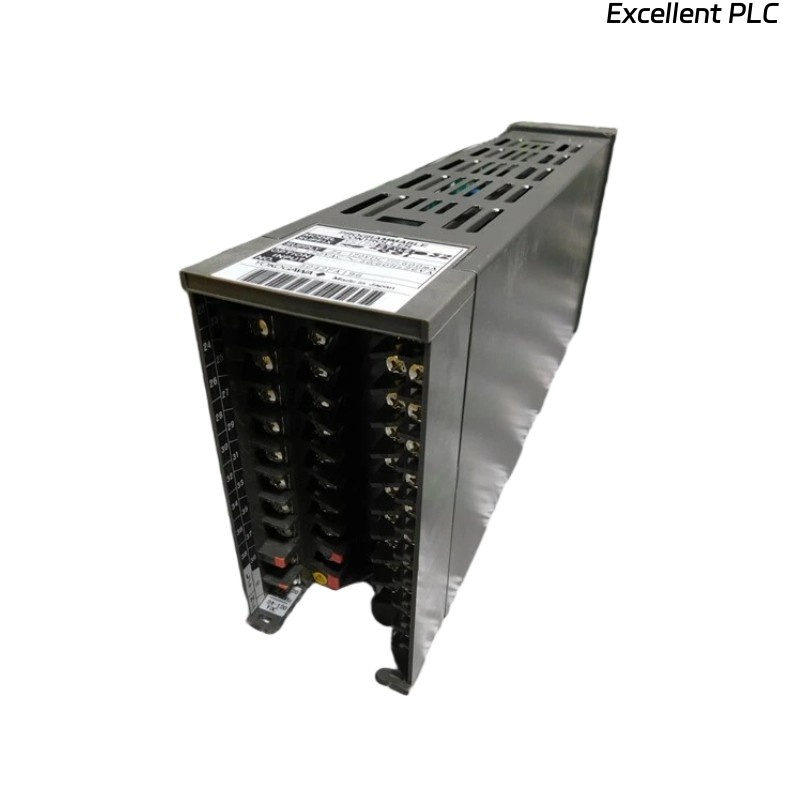
Table of Contents
- YS170-012 S3 Fault Diagnosis Entry
- Programmable Controller Fault Symptoms
- Engineering Troubleshooting Analysis
- Common Causes of Automation Faults
- Diagnostic Workflow and Signal Verification
- Corrective Actions and System Recovery
- Real Industrial Troubleshooting Experience
- Troubleshooting FAQ
- Final Technical Summary
YS170-012 S3 Fault Diagnosis Entry
YOKOGAWA YS170-012 S3 Troubleshooting commonly identifies grounding instability, improper PID parameter configuration, and signal shielding failures as major causes of unstable process control behavior. In many industrial systems, installation problems create symptoms that resemble controller hardware faults.
Programmable Controller Fault Symptoms
- Unstable process control loops
- Analog input signal fluctuation
- Communication instability with supervisory systems
- Unexpected alarm activation
- Controller startup failures
Engineering Troubleshooting Analysis
Experienced field engineers usually isolate automation faults by evaluating signal quality and grounding continuity before replacing controller hardware.
- Verify power supply stability
- Inspect analog signal shielding continuity
- Check PID parameter configuration
- Then evaluate controller hardware and communication modules
  // Controller Diagnostic Logic
  IF Process_Oscillation = TRUE THEN
      Verify_PID_Parameters();
      Inspect_Signal_Quality();
  ELSE IF Communication_Fault = TRUE THEN
      Check_Cable_Shielding();
      Verify_Interface_Config();
  ELSE
      Test_Controller_Hardware();
  END_IF;
Common Causes of Automation Faults
- Improper PID tuning parameters
- Ground loop interference
- Signal cable EMI exposure
- Loose terminal connections
- Communication parameter mismatch
Diagnostic Workflow and Signal Verification
- Measure analog input signal stability
- Inspect grounding continuity within the control panel
- Verify communication signal integrity
- Compare controller outputs with field device responses
Corrective Actions and System Recovery
- Optimize PID tuning configuration
- Repair grounding continuity issues
- Re-route signal cables away from inverter systems
- Secure terminal wiring and communication connections
Real Industrial Troubleshooting Experience
In a refinery temperature control application, repeated process instability appeared during startup:
- Temperature loops oscillated continuously
- Analog outputs fluctuated unexpectedly
Investigation revealed:
- Signal wiring installed adjacent to inverter power systems
- Incorrect PID integral configuration increased instability
After corrective actions:
- Improved signal cable routing and shielding continuity
- Reconfigured PID parameters
Result:
- Stable process automation restored
- Control loop oscillation eliminated
Troubleshooting FAQ
Why do process values oscillate continuously?
Incorrect PID tuning and unstable analog signal quality are common causes of process oscillation.
Can EMI interference affect controller input signals?
Yes. High-power inverter systems can introduce electrical noise into analog control signals.
Should controller hardware be replaced immediately after instability appears?
No. Signal wiring, grounding continuity, and PID configuration should be inspected first.
Final Technical Summary
The YOKOGAWA YS170-012 S3 Troubleshooting Guide highlights that successful Fault Diagnosis depends on stable signal wiring, proper grounding continuity, optimized PID System Configuration, and disciplined industrial automation analysis.