 Excellent PLC


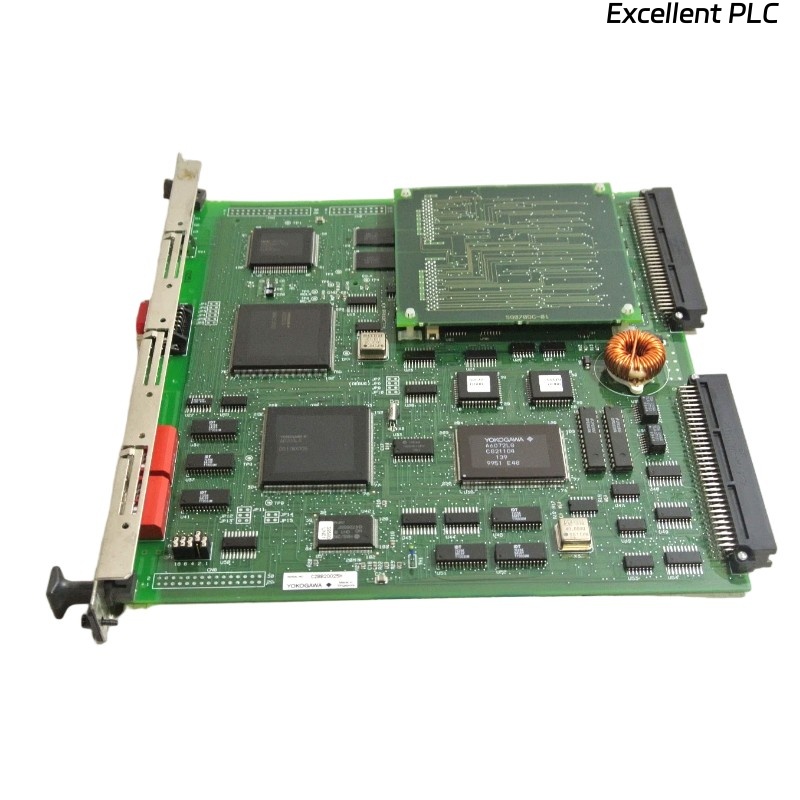
Table of Contents
- CP701 Fault Diagnosis Entry
- Controller Module Fault Symptoms
- Engineering Troubleshooting Analysis
- Common Causes of Controller Faults
- Diagnostic Workflow and Controller Verification
- Corrective Actions and System Recovery
- Real Industrial Troubleshooting Experience
- Troubleshooting FAQ
- Final Technical Summary
CP701 Fault Diagnosis Entry
YOKOGAWA CP701 Troubleshooting commonly identifies unstable grounding continuity, EMI interference, communication instability, and cooling problems as major causes of industrial automation controller failures.
Controller Module Fault Symptoms
- Unexpected controller restart conditions
- Communication timeout alarms
- Unstable process data updates
- Controller response delays
- Automation system interruption conditions
Engineering Troubleshooting Analysis
Experienced field engineers isolate controller faults by evaluating power stability, grounding continuity, communication integrity, and thermal conditions before replacing CPU hardware.
- Verify controller power stability
- Inspect grounding continuity throughout the cabinet
- Check communication network integrity
- Then evaluate controller diagnostics and hardware conditions
  // Controller Diagnostic Logic
  IF Controller_Restart = TRUE THEN
      Verify_Power_Stability();
      Inspect_Grounding_System();
  ELSE IF Communication_Failure = TRUE THEN
      Verify_Communication_Network();
      Inspect_Cable_Routing();
  ELSE
      Test_CPU_Module();
  END_IF;
Common Causes of Controller Faults
- Unstable power distribution conditions
- Ground loop interference
- Improper communication cable routing
- Cabinet overheating conditions
- Loose connector and backplane connections
Diagnostic Workflow and Controller Verification
- Inspect controller diagnostics and status indicators
- Measure power and communication stability
- Verify grounding continuity throughout the cabinet
- Compare controller performance across connected systems
Corrective Actions and System Recovery
- Repair grounding continuity problems
- Separate communication cables from power wiring
- Secure communication connectors and terminals
- Improve cabinet ventilation and cooling airflow
Real Industrial Troubleshooting Experience
In a petrochemical automation system, repeated controller communication interruptions occurred during startup:
- Controller communication alarms appeared intermittently
- Process response delays increased during production load changes
Investigation revealed:
- Communication cables routed beside high-voltage power lines
- Loose grounding continuity connections
After corrective actions:
- Separated communication and power cable routing
- Improved grounding continuity integrity
Result:
- Stable controller operation restored
- Communication interruption faults eliminated
Troubleshooting FAQ
Why do controller restart conditions occur unexpectedly?
Unstable power distribution, EMI interference, and overheating conditions are common causes.
Can poor ventilation affect CPU module reliability?
Yes. Excessive temperature conditions may reduce controller stability and operational reliability.
Should the CPU module be replaced immediately after communication failure occurs?
No. Power stability, communication integrity, and grounding continuity should be inspected first.
Final Technical Summary
The YOKOGAWA CP701 Troubleshooting Guide highlights that successful Fault Diagnosis depends on stable power distribution, reliable grounding continuity, optimized communication wiring, and disciplined industrial automation analysis.